Record milestones
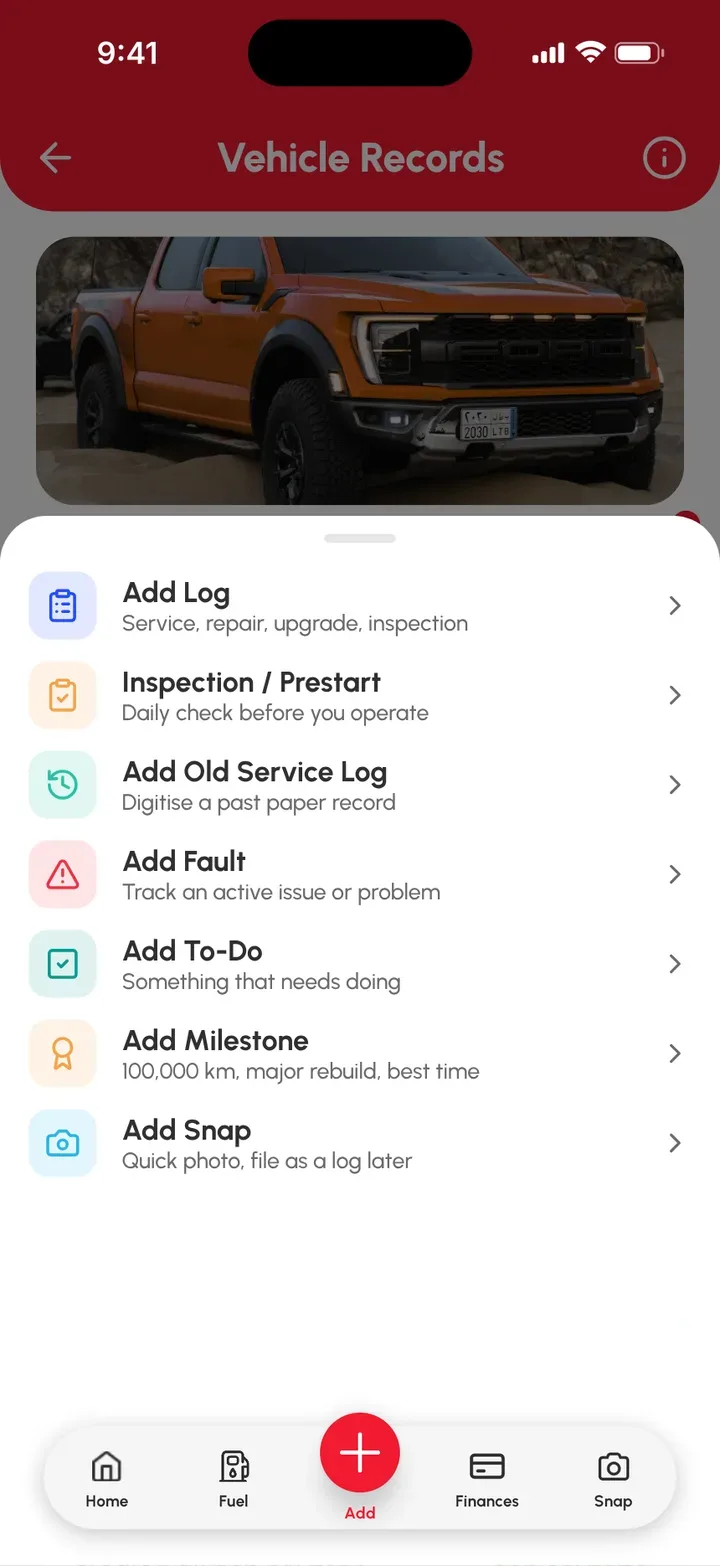
A Milestone is a significant event in your vehicle’s life, like an award, a track day, an accident, a fine or dyno results. Add one from the red Add (+) › Add Milestone.
Add a Milestone
- On the Home page or Vehicles page, select the vehicle.
- Tap the red Add (+) button on the bottom bar of the Vehicle Records page.
- Tap Add Milestone.
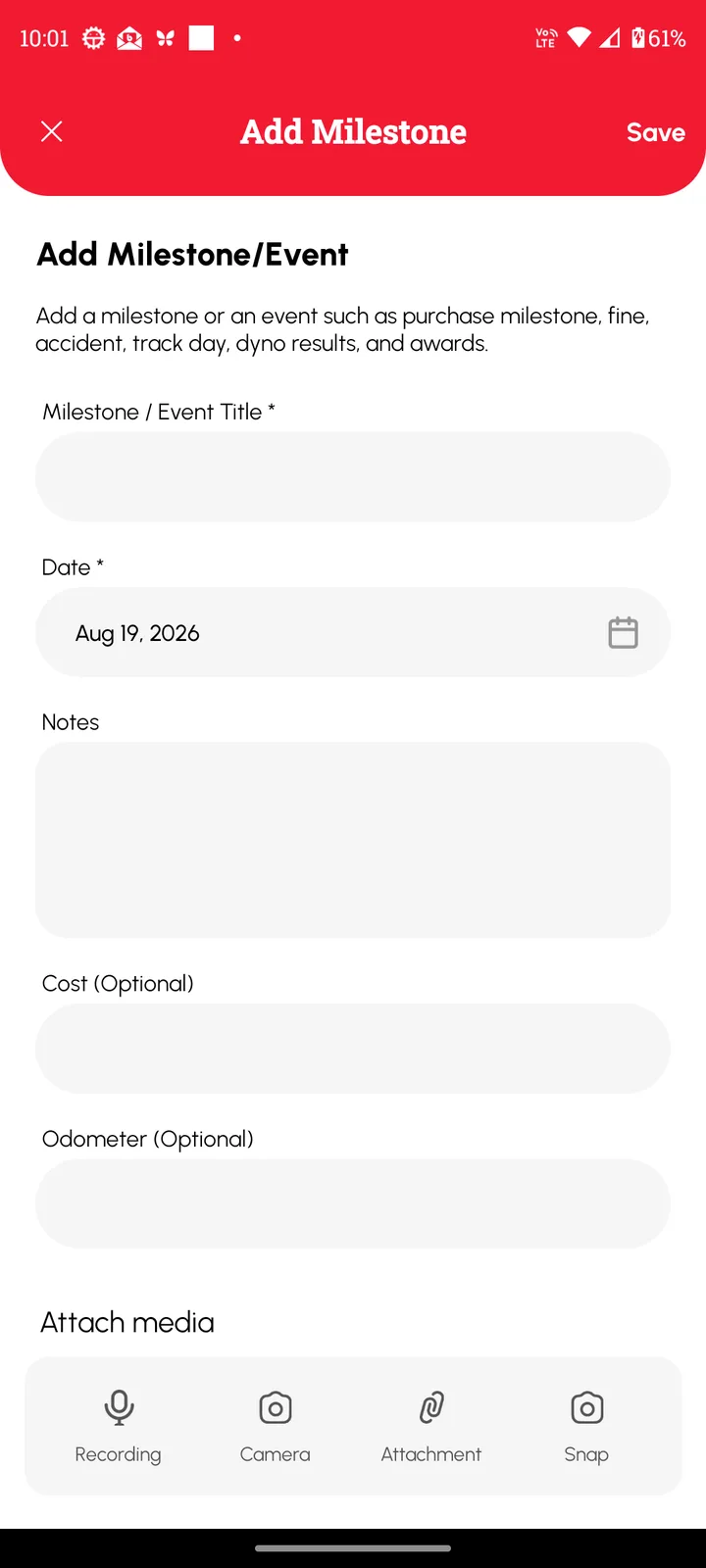
- Fill in the fields on the Add Milestone form.
- Add any photos or videos.
- Tap Save.
The Milestone now shows on the Vehicle Records page.