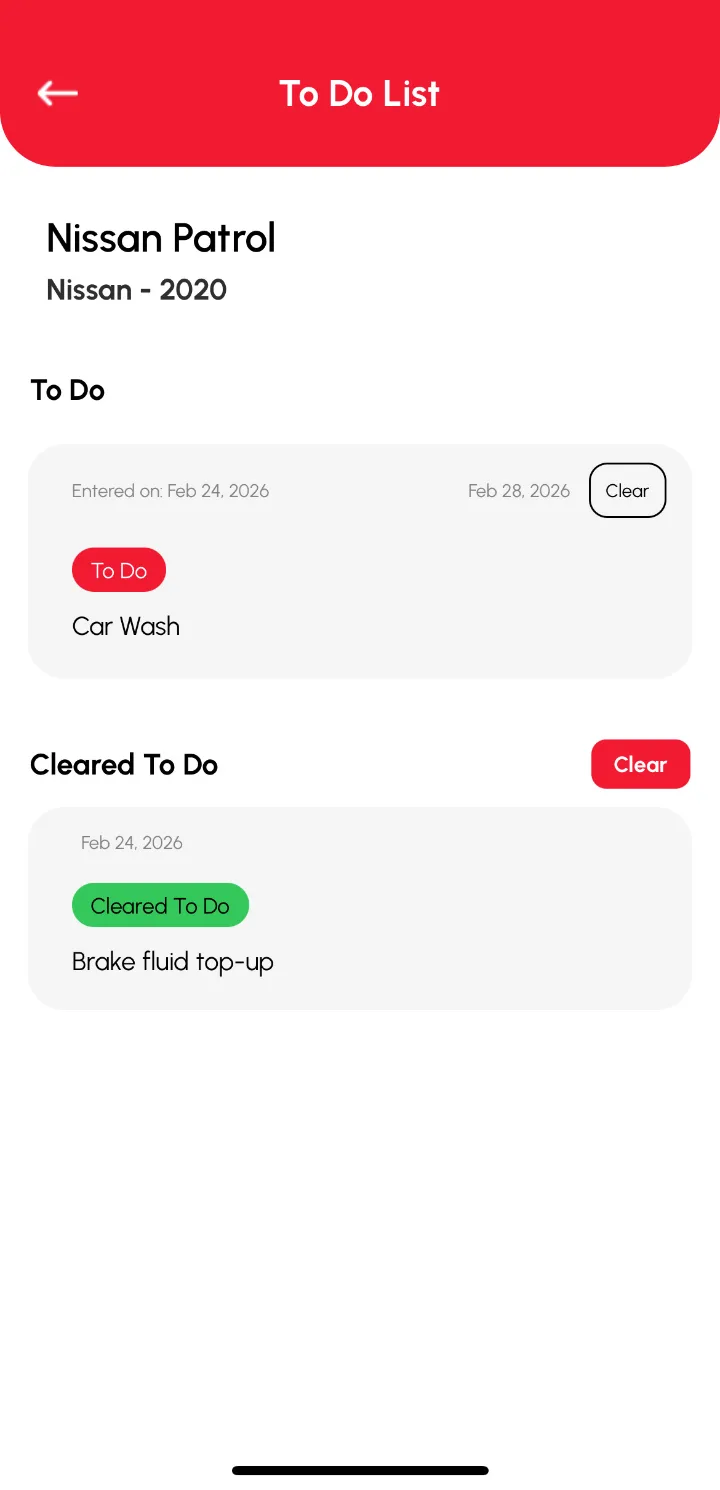
Plan future services with To Dos
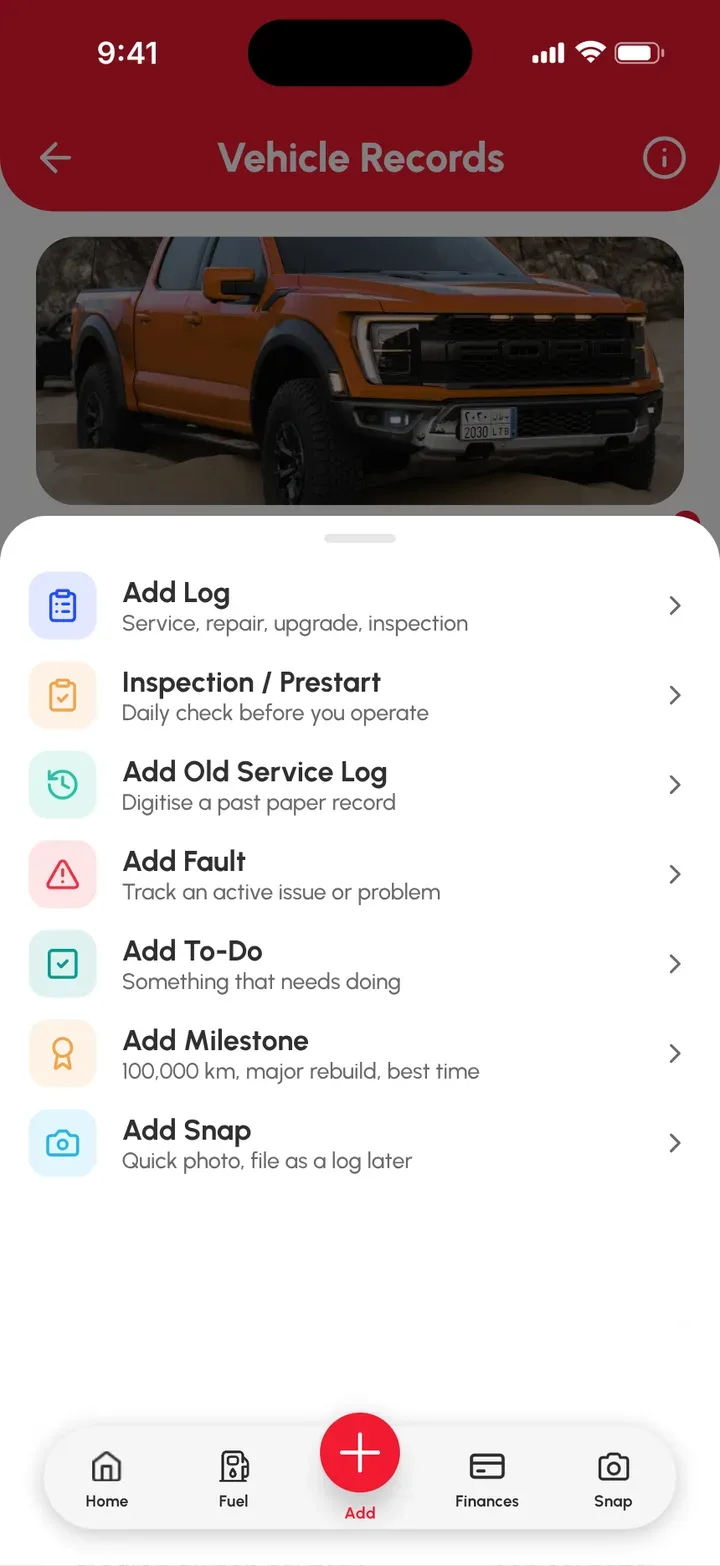
To Dos are your vehicle’s upcoming jobs. Add them from the red Add (+) › Add To-Do, and Loggy notifies you on the date you set. Clear them when they’re done.
Add a To Do
- On the Home page or Vehicles page, select the vehicle.
- Tap the red Add (+) button on the bottom bar of the Vehicle Records page.
- Tap Add To-Do.
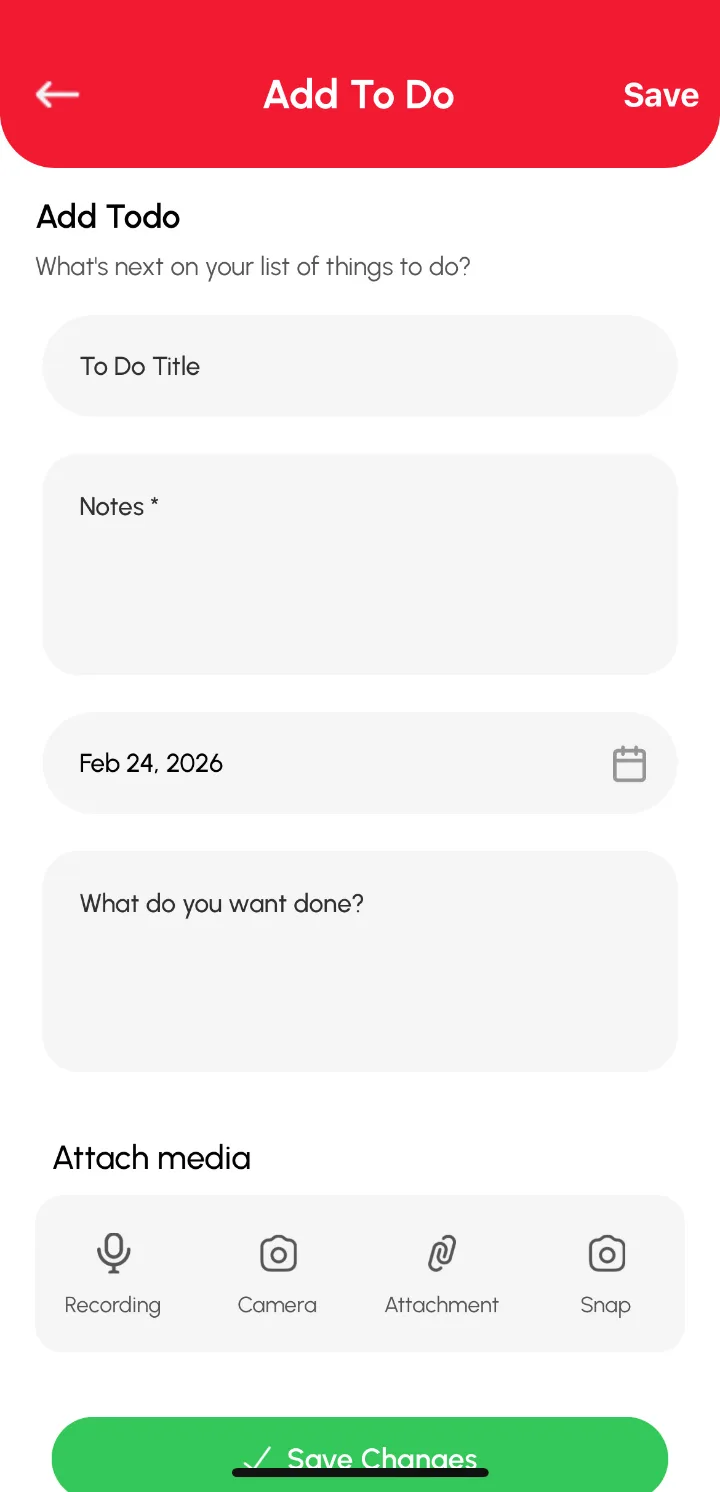
- Fill in the fields on the Add To Do form.
- Add any media attachments.
- Tap Save.
The To Do now shows in the To Do section of the Vehicle Records page.
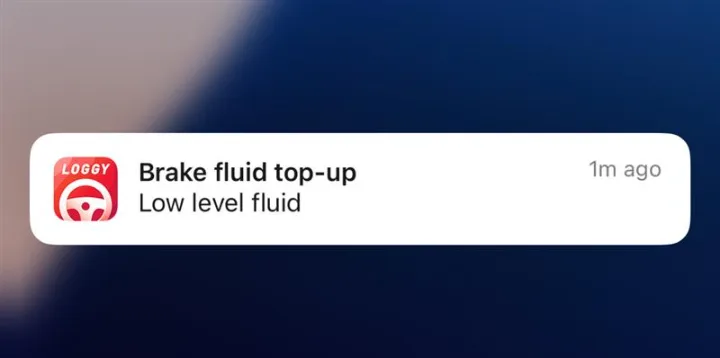
Get notified
To Dos remind you of the work that’s coming up, and send you a notification on the date you set.