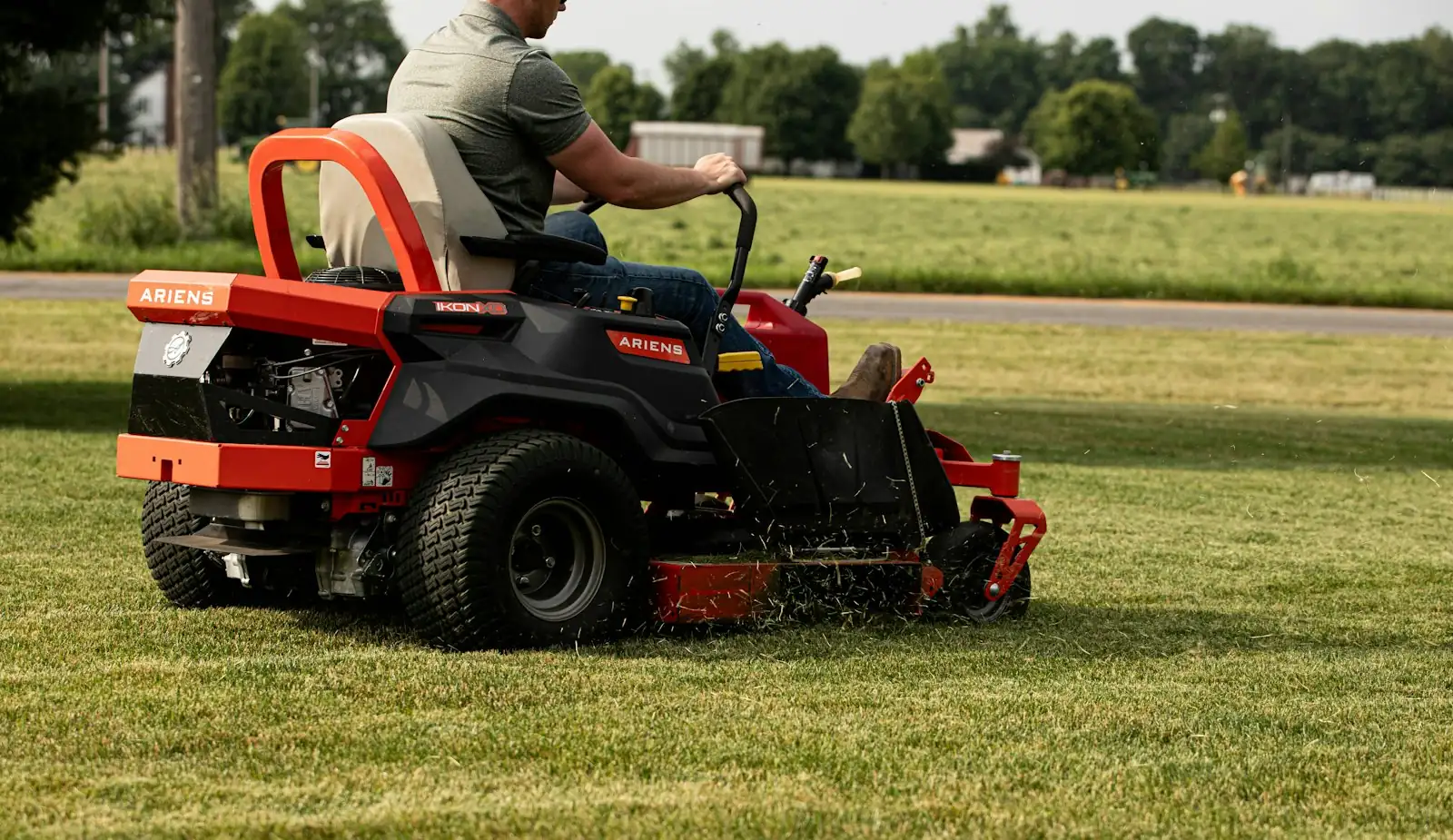
A crew is only as good as its gear. Blunt blades, a trimmer that won't start, a flat on the trailer, and the day goes backwards. Loggy keeps every machine's history and its next job in one place.
What landscapers add to Loggy
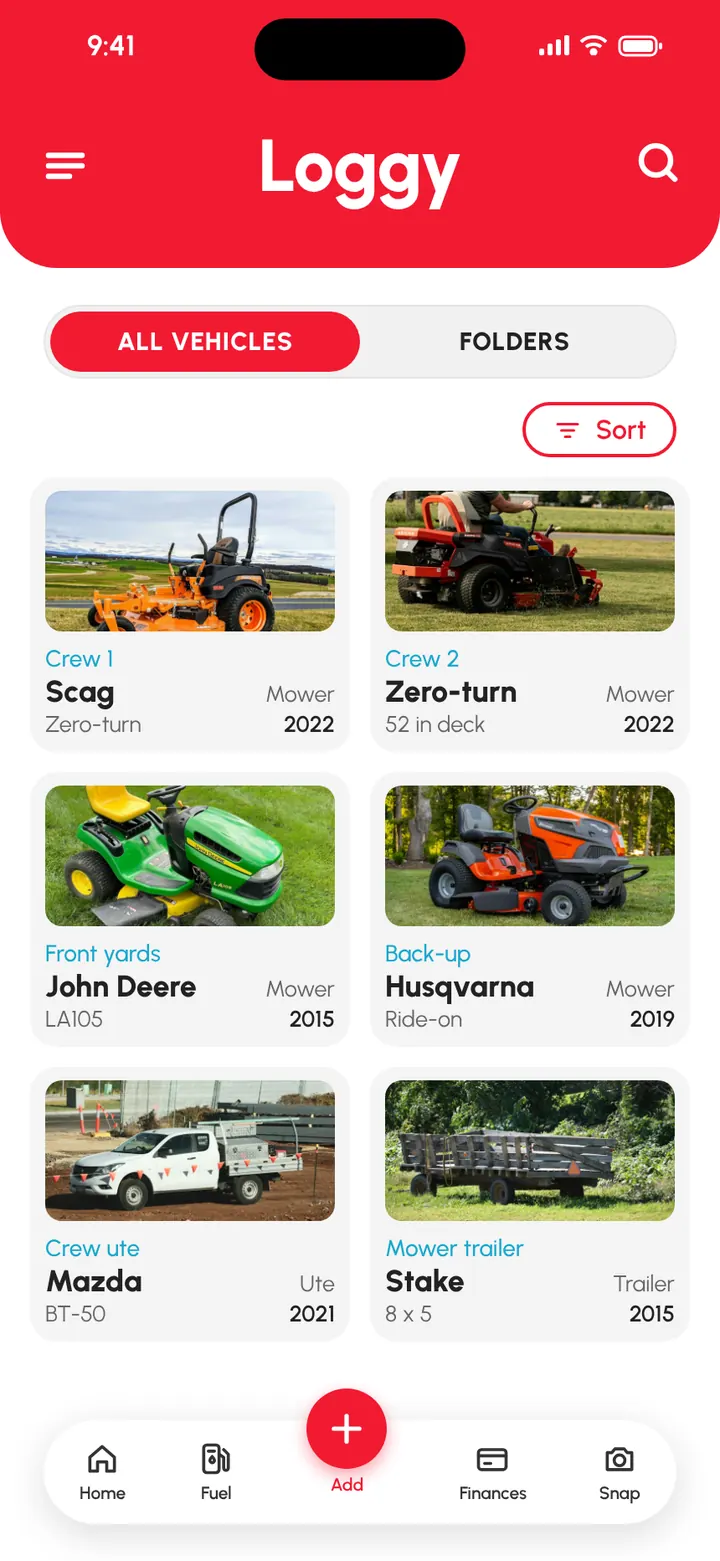
- Zero-turn and ride-on mowersScag, Ferris, Toro, Bad Boy, Husqvarna, Walker
- Push and walk-behind mowersHonda, Toro, Husqvarna
- Trimmers, blowers and hedgersStihl, Husqvarna, Echo
- Generators and pressure washersHonda, Champion, Yamaha
- Chippers and log splittersStump grinders, wood chippers
- Utes and trailers6x14 trailers, tippers, enclosed trailers
- Snow gearSnow blowers for the winter work
How landscapers use Loggy
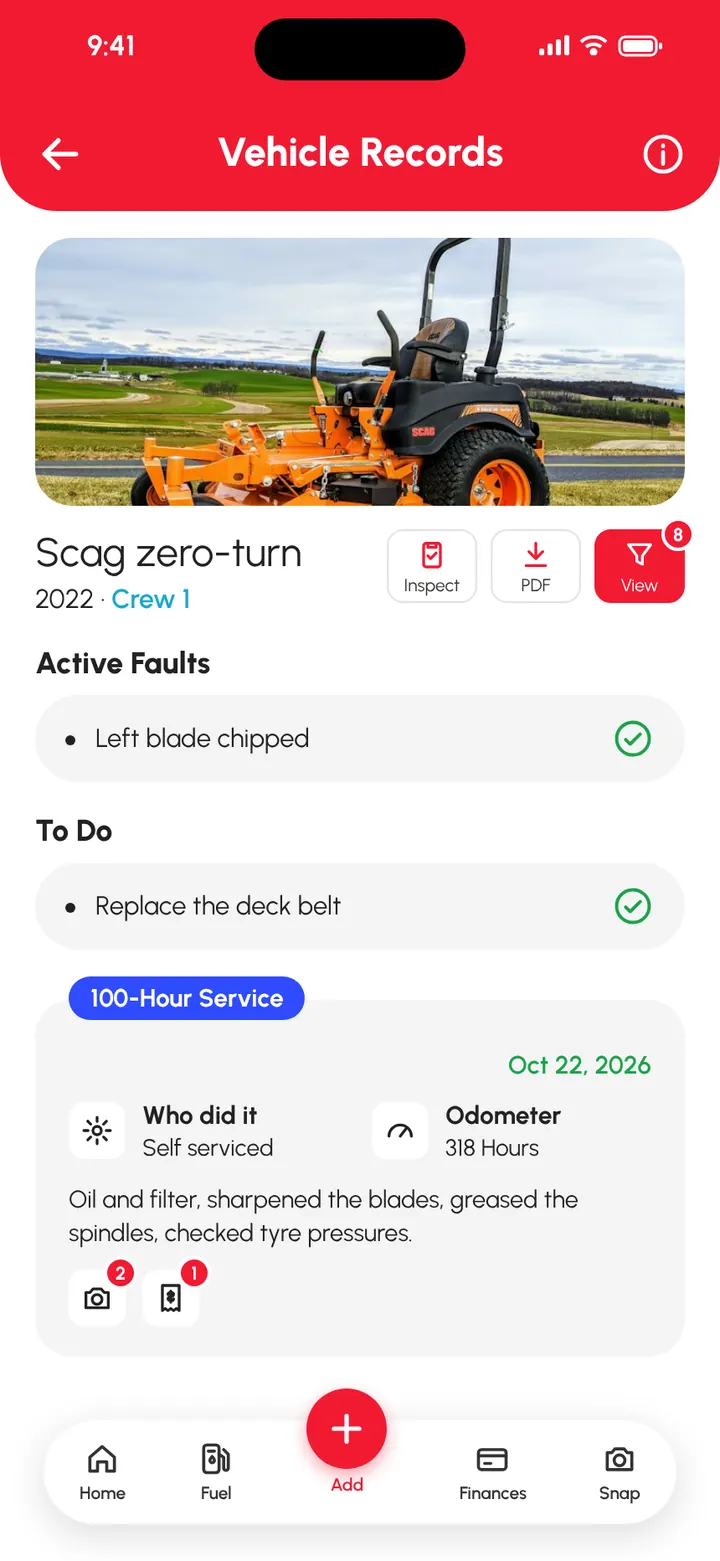
- Log blade sharpening, oil, filters and belts for each mower, with the hour reading.
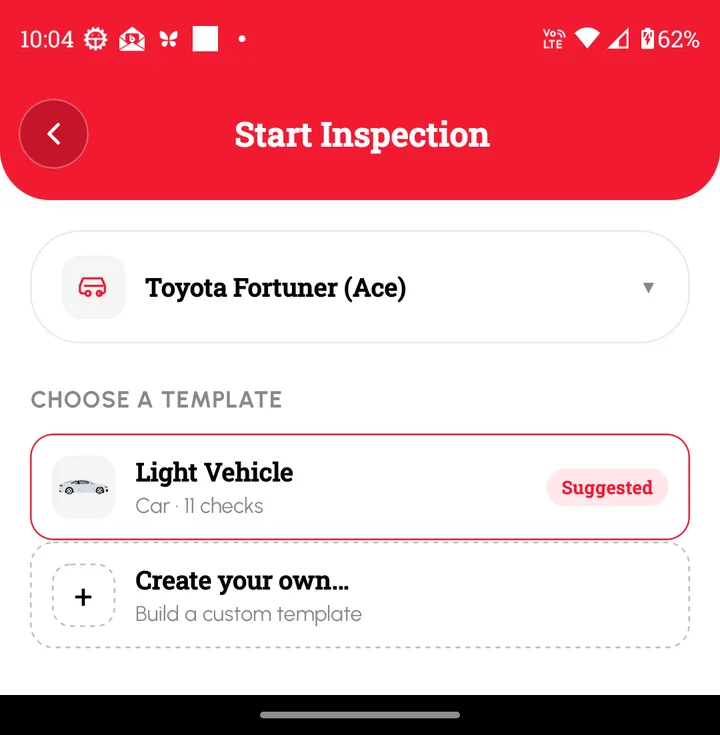
- Run a quick check on gear before it leaves the yard.
- Note faults straight away so the right machine gets fixed.
- Set reminders for the pre-season service and winter storage.
- See what each machine costs to run, and which ones are worth replacing.
- Invite crew members to log to the gear they use (Loggy Pro).
- Group gear by crew or by truck with folders (Loggy Pro).
A basic mower checklist
Start with the manual for your mower. It has the intervals and the torque figures. These general checks come from a university extension guide for residential mowers. Commercial mowers that run long days often have shorter intervals, so use the hour figures in your manual.
| Check | What the guide says |
|---|---|
| Engine oil level | Check the dipstick before starting, with the engine cold |
| Oil change | Typically every year on a residential mower. Heavy users follow the maker’s hour interval |
| Air filter | Change as the maker directs, at least once a year |
| Fuel filter | Change once a year |
| Spark plug | Replace every two years |
| Blades | Sharpen and balance. The guide gives no interval, so set your own from how the blade looks |
| Blade bolt | Tighten to the figure in the manual when you refit it |
| Deck and engine area | Clean after mowing. Look under the deck routinely |
Source: University of Illinois Extension, Mower Maintenance.
What two makers say
These come from two real manuals, for the models named. Other models differ, so check yours. Both are residential-class machines.
Husqvarna EZ zero-turn mowers (EZ4216, EZ4217, EZ4822, EZ5221, EZ5424):
| Check | What the manual says |
|---|---|
| Engine oil level | Every time you refuel |
| Hardware (screws, nuts) | Check daily |
| Lubrication | For daily use, twice a week |
| Engine oil change | Every 50 hours, with the first change after 5 to 8 hours |
| Belts and pulleys | Every 100 hours |
| Fuel filter | Every 100 hours (once per season) |
| Caster wheels | Every 200 hours |
| Transaxle oil and filter | 200 hours |
| Dusty conditions | Clean and replace more often |
Stihl FS 251 trimmer:
| Check | What the manual says |
|---|---|
| Gearbox | Lubricate every 25 working hours |
| Nuts, bolts and screws | Tighten after each use |
| Cutting head, controls, air intake, air filter | The manual has a chart that sets when to check each one. Follow the chart in your manual |
Sources: Husqvarna EZ operator’s manual (maintenance schedule) and the STIHL FS 251 instruction manual (0458-852-8601-B).
To use this in Loggy, tap Create your own when you start an inspection and build one checklist per machine. Set a reminder for the yearly items, and log each job with the hour reading, a photo and the receipt. More: equipment service intervals, the vehicle inspection checklist app and how to set a service reminder.
What's free and what's Loggy Pro
Free
- Hours per machine. Mowers and generators on hours, utes on km or miles.
- Service logs. Blades, oil, filters, belts, with photos and receipts.
- Checklists. Your own list for each machine, pass or fail, photos and a sign-off.
- Faults. Stay visible until the machine is fixed.
- Reminders. Seasonal services and rego. They repeat.
- Costs. Fuel, parts and repairs per machine.
Added with Loggy Pro
- Crew on the same gear. Invite them by email.
- Folders. One folder per crew, truck or client site.
Loggy Pro adds the extras above for one subscription. The app shows your local price before you pay. What's in Loggy Pro
How to get started
- Add each mower and machine with Hours.
- Add the utes and trailers with km or miles.
- Log the last service on each machine.
- Set reminders for the pre-season service.
Add your mowers free and log the last blade change. Free on iOS and Android, no ads. 4.6★ on the App Store, used in 190+ countries.


Frequently asked questions
Can Loggy track mowers by engine hours?
Yes. Pick Hours when you add the mower, and each log records the hour reading.
Can I add small gear like trimmers and blowers?
Yes. If it isn't on the list, add it as Other and give it a name. It gets the same logs, faults and reminders.
Can my crew log to the same mower?
Yes, with Loggy Pro. Invite them by email and they add logs to the same machine.
Is it free?
Yes. Unlimited equipment, logs, reminders, faults and PDF export are free, with no ads. Loggy Pro adds crew members, folders, income tracking and downloadable reports.
Step-by-step guides
- Vehicle inspection checklist app
- Free vehicle maintenance log
- Equipment service intervals: how to find yours
- Engine hours vs mileage: which to track
- Add your first vehicle
- Add a log entry
- Inspections and checklists
- Set a service reminder
Top photo: Unsplash