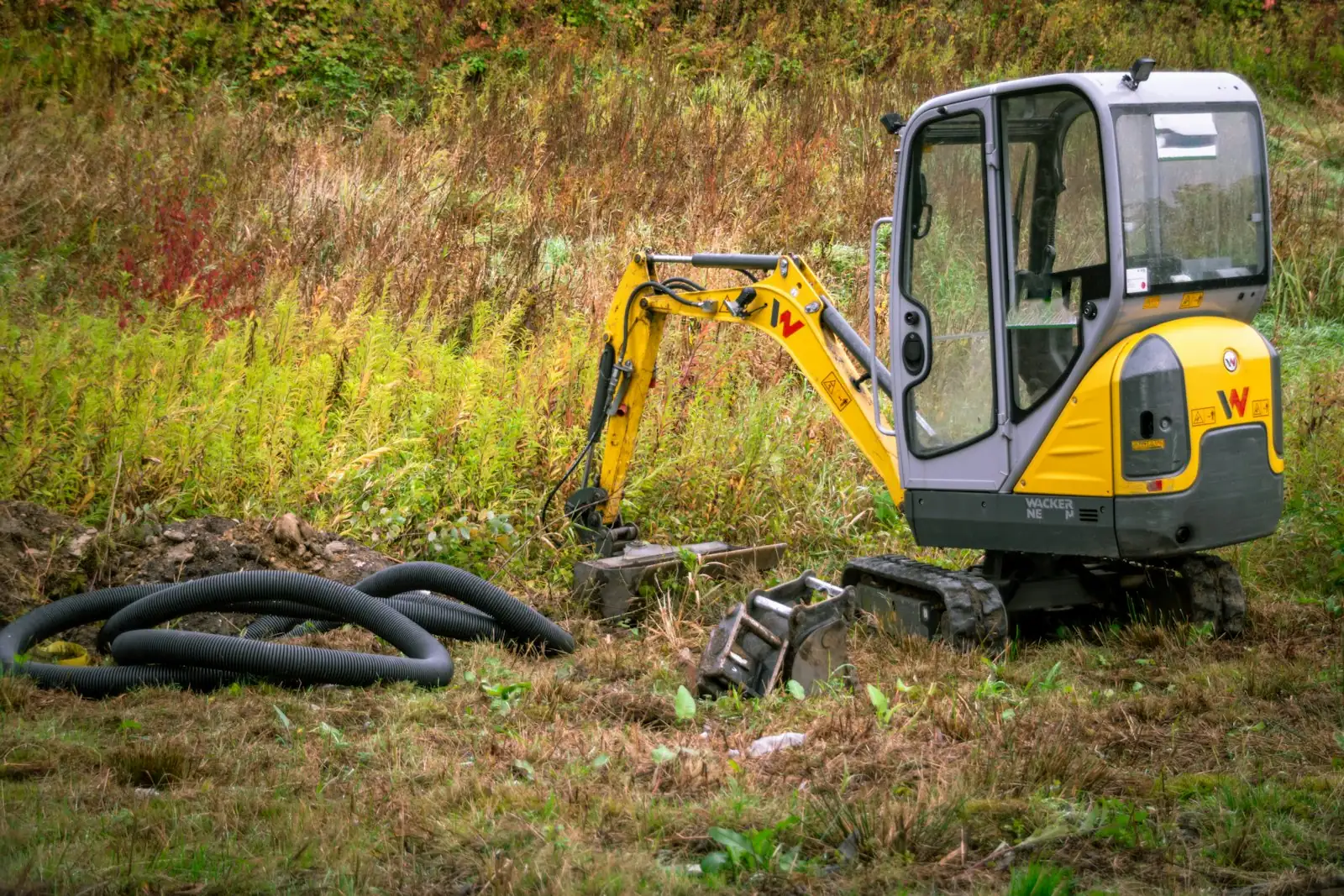
When a machine goes down on site, the first question is when it was last serviced. With Loggy the answer is on your phone: every service, every hour reading, every receipt.
What earthmoving and construction businesses add to Loggy
- ExcavatorsCat, Kubota, Takeuchi, mini excavators
- Skid steers and track loadersBobcat, Gehl, Kubota SVL
- Lifts and telehandlersJLG and Genie scissor lifts, Skyjack, booms
- ForkliftsCat, Linde, Hyster, Clark
- TrucksTippers, service trucks, bucket trucks, heavy-duty utes
- TrailersDump trailers, plant trailers, tag trailers
- Site gearChippers, compactors, rollers, generators
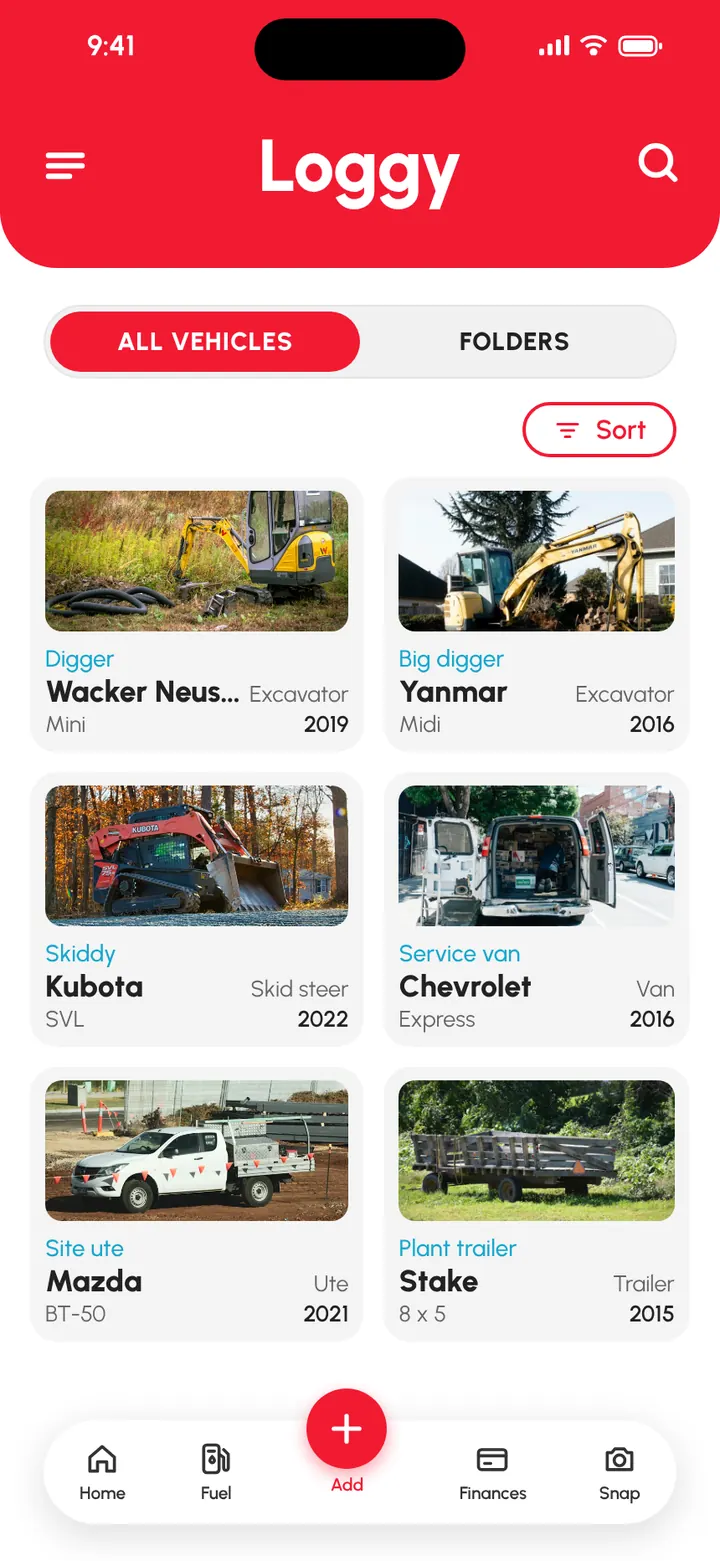
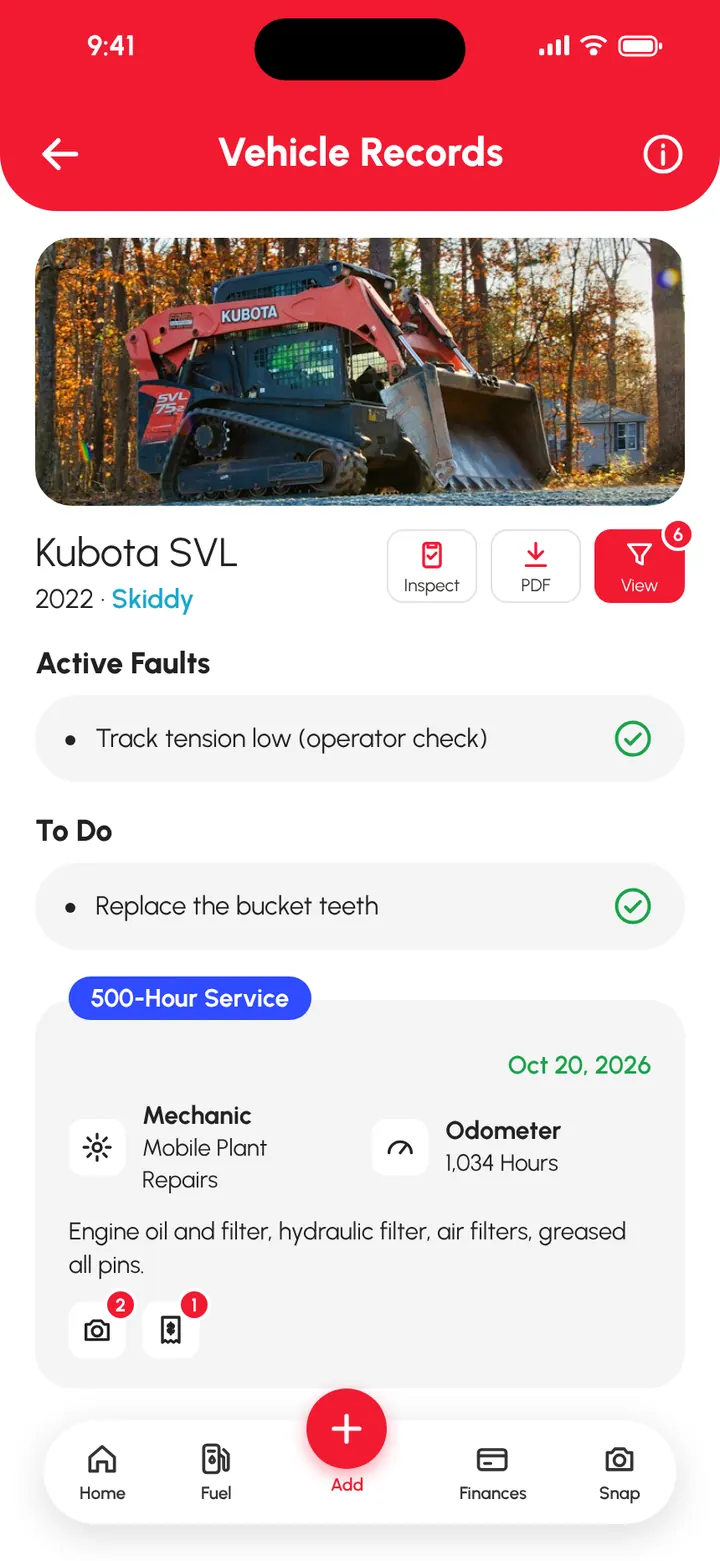
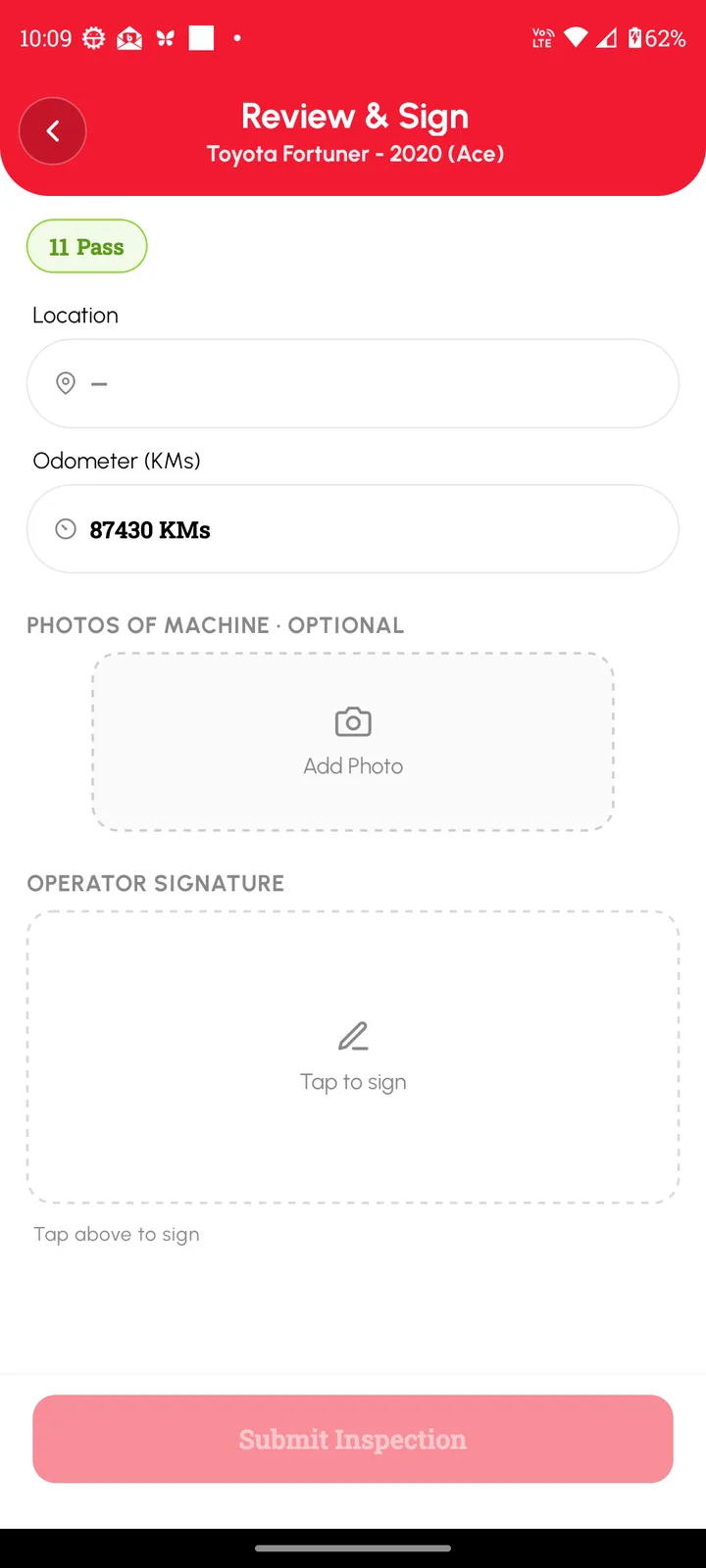
How earthmoving and construction businesses use Loggy
- Operators run a check before a machine starts work, with photos and a signature.
- Build a checklist for each machine type: excavator, lift, forklift, truck.
- Log every service by hours, with the parts and the invoice.
- Keep a fault list for each machine so problems get fixed before they get worse.
- Set reminders for services, inspections and registration.
- Invite operators to log to the machines they use (Premium).
- Record hire income for each machine and group machines by site (Premium).
- Hand a buyer the full history as a PDF when you sell a machine.
What's free and what's Premium
Free
- Hours or km. Machines on hours, trucks and utes on km or miles.
- Checklists for every machine. Your own templates, pass or fail, photos and a signature.
- Faults. Failed checks and problems stay listed until cleared.
- Service logs. Hour reading, parts, cost and receipts.
- Reminders. Services, inspections and rego. They repeat.
- Unlimited machines. No per-machine fees.
Added with Premium
- Operators. Invite them to log to the same machines.
- Folders by site. Group machines by job, depot or type.
- Hire income and reports. Income per machine and PDF or CSV reports.
Premium is US$9.99 a month or US$99.90 a year. Prices vary by country, and the app shows your local price before you pay. What's in Premium
How to get started
- Add each machine with Hours, and each truck with km or miles.
- Create a checklist for each machine type.
- Log the last service on each machine.
- Set reminders for the next services and inspections.
Add your first machine free and build its checklist. Free on iOS and Android, no ads. 4.6★ on the App Store, used in 190+ countries.
Frequently asked questions
Can Loggy track excavators and skid steers by engine hours?
Yes. Pick Hours when you add the machine, and each service log records the hour reading.
Can I make a checklist for a scissor lift or forklift?
Yes. Create your own inspection template with the items you check, then operators mark each one pass, fail or not applicable, add photos and sign.
Can operators log to the machines they use?
Yes, with Loggy Premium. Invite them by email. They can add logs and edit their own, and only the owner can remove people or edit the machine details.
Can I group machines by site?
Yes, with Premium folders. A machine can sit in more than one folder.
Step-by-step guides
- Engine hours vs mileage: which to track
- Inspections and checklists
- Keep track of faults
- Organise vehicles into folders
- Share a vehicle with staff
Top photo: Unsplash