Hour meter: meaning and examples
An hour meter is the gauge that records how many hours an engine or machine has run. It is also called an hour counter or hourmeter, and it is the number to read when a service is due "every 100 hours".
How it works
An hour meter counts the hours an engine or machine has run. It can be a small mechanical counter, or a line on a digital dashboard or display. Some machines also show it in a service menu.
It matters because many service intervals are written in hours: "change the oil every 100 hours" only works if you know how many hours the machine has done. If the meter reads 98.4, the next service is close. If it reads 60, you have time.
The reading is only useful when it is written down. Noting it at every service gives you a running record of how hard the machine is worked.
Hour readings in maker schedules
Polaris's 2022 Ranger 1000 schedule asks for a first service at 25 hours, then every 100 hours, 1,000 miles or yearly, whichever comes first. Genie's GS scissor lift schedule has a first service at 50 hours, plus quarterly and annual inspections. Both are summarised from the maker's own manual on our schedule pages.
Illustration: a machine whose meter read 100 at its last service is next due at about 200. Write that target in the log's notes so you can see it at a glance.
How to track it in Loggy
Read the hour meter before you start a service and type it into the log as the reading. Loggy keeps each reading with the work done, so the history shows when every job happened.
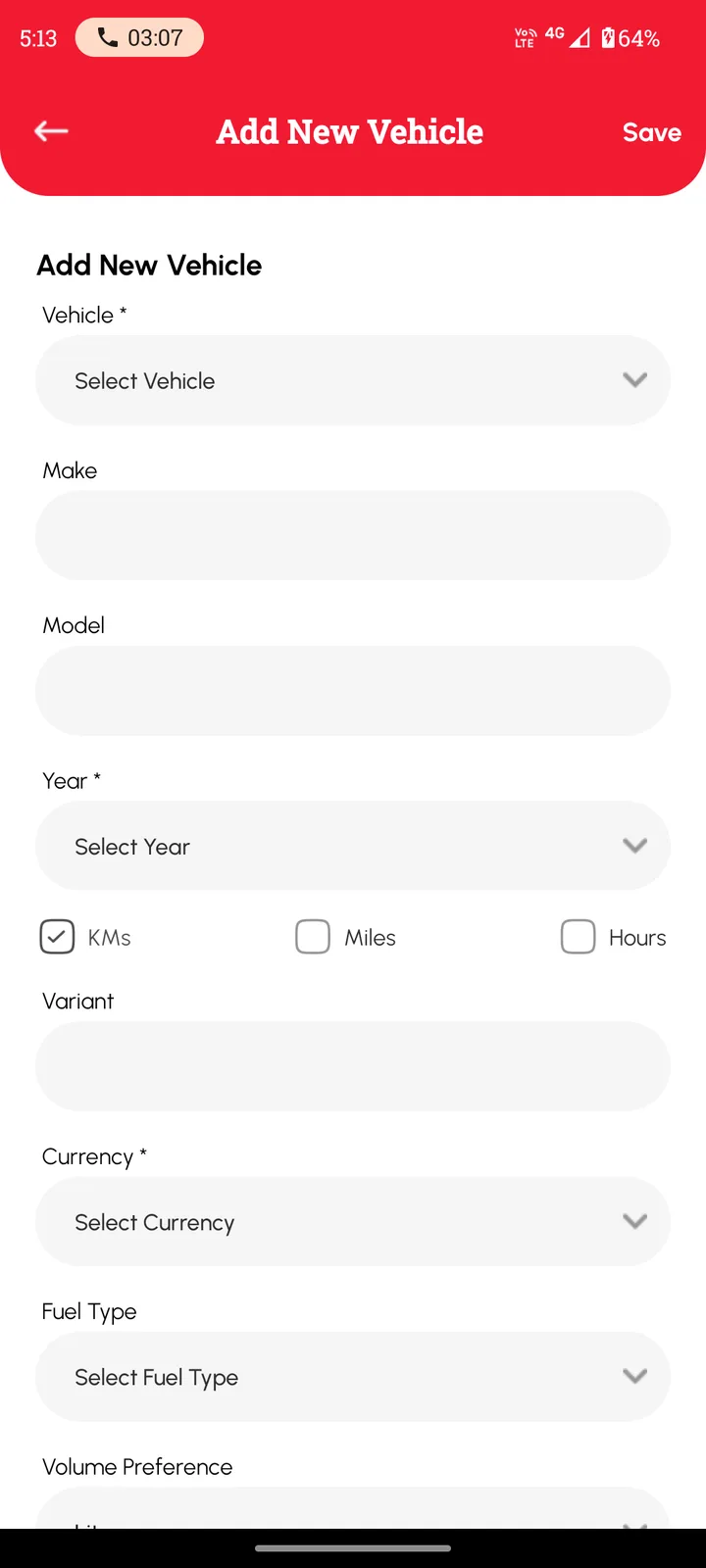
- Add the machine in Loggy and choose Hours as its unit.
- Read the hour meter when you service the machine and enter it as the reading on the log, with the work done and the receipt.
- Put the next due reading in the log's notes, then set a date reminder based on how many hours you run in a typical week.
Loggy is a free maintenance logbook app for iOS and Android. The free plan has unlimited vehicles, reminders, PDF export and vehicle transfer, and no ads.


Frequently asked questions
Is an hour meter the same as engine hours?
Engine hours are the running time. The hour meter is the gauge that shows it.
Does Loggy read the hour meter for me?
No. You read the meter and type the figure into the log. Loggy keeps each reading with the work done.
What if the hour meter breaks or is replaced?
Note the change in the log, with the old reading and the new one, so the history still makes sense to the next person who reads it.