VIN: meaning and examples
A VIN is the unique code that identifies one individual vehicle. Most road vehicles built since 1981 have a 17-character VIN, usually found on the dashboard near the windscreen and on the registration papers.
How it works
A VIN, or vehicle identification number, is a code that identifies one vehicle. Most road vehicles built since 1981 have a 17-character VIN of letters and numbers, in a standard format.
It is stamped on the vehicle, commonly at the base of the windscreen or on a door pillar plate, and printed on the registration papers. Insurers, mechanics, parts suppliers and history checks all use it.
Where a VIN gets used
Illustration: when you order parts, the supplier may ask for your VIN so the part matches your exact build. When you sell, the buyer may use the VIN to check the vehicle's records.
How to track it in Loggy
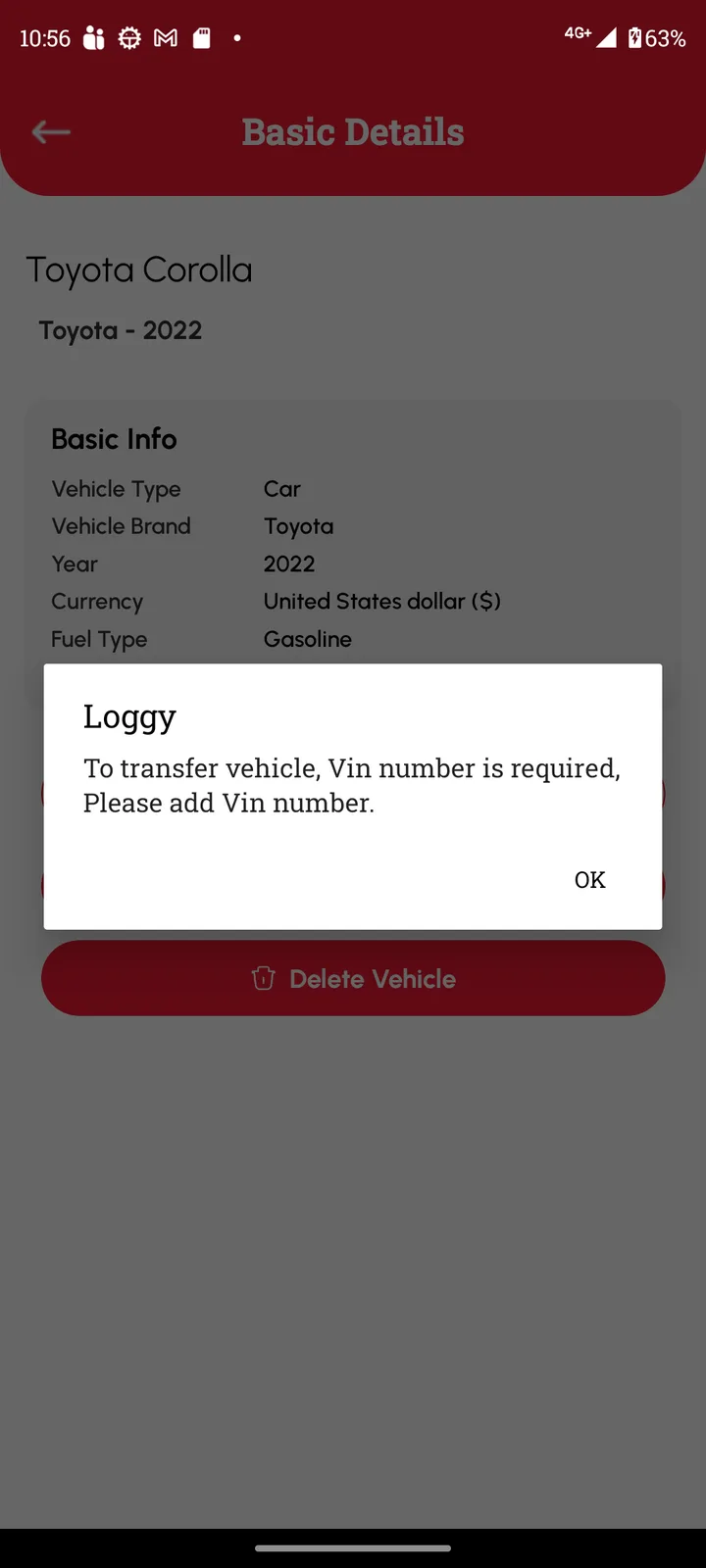
You can add a VIN in the vehicle's Basic Details. Loggy needs one before the vehicle can be transferred to a new owner.
- Find the VIN on the windscreen base, door pillar plate or registration papers.
- Open the vehicle in Loggy, go to Basic Details and add it.
- You can then transfer the vehicle to a new owner when you sell.
Loggy is a free maintenance logbook app for iOS and Android. The free plan has unlimited vehicles, reminders, PDF export and vehicle transfer, and no ads.


Frequently asked questions
Does every vehicle have a VIN?
Most road vehicles do. Older vehicles, boats and some machinery use other identifiers, such as a chassis, frame or hull number.
Why does Loggy ask for a VIN to transfer?
The vehicle needs a VIN before it can be transferred. Add it in Basic Details first.
Is the VIN private?
Treat it with care. It is on the windscreen in plain view, but do not post it with personal details.