OBD-II: meaning and examples
OBD-II is the standard system of onboard diagnostics fitted to modern cars and light vehicles. It monitors the engine and emissions, stores trouble codes, and has a standard socket, usually under the dashboard, where a scan tool connects.
How it works
OBD-II stands for on-board diagnostics, second generation. It is the standard monitoring system fitted to modern cars and light vehicles to keep an eye on the engine and emissions systems and report problems.
The visible part is the diagnostic socket, usually under the dashboard on the driver's side. A scan tool or a small adapter connected to a phone reads the codes the system has stored.
Not every vehicle uses it. Older vehicles, motorcycles and many machines have different or no standard diagnostics, so check your own manual.
Where the socket usually is
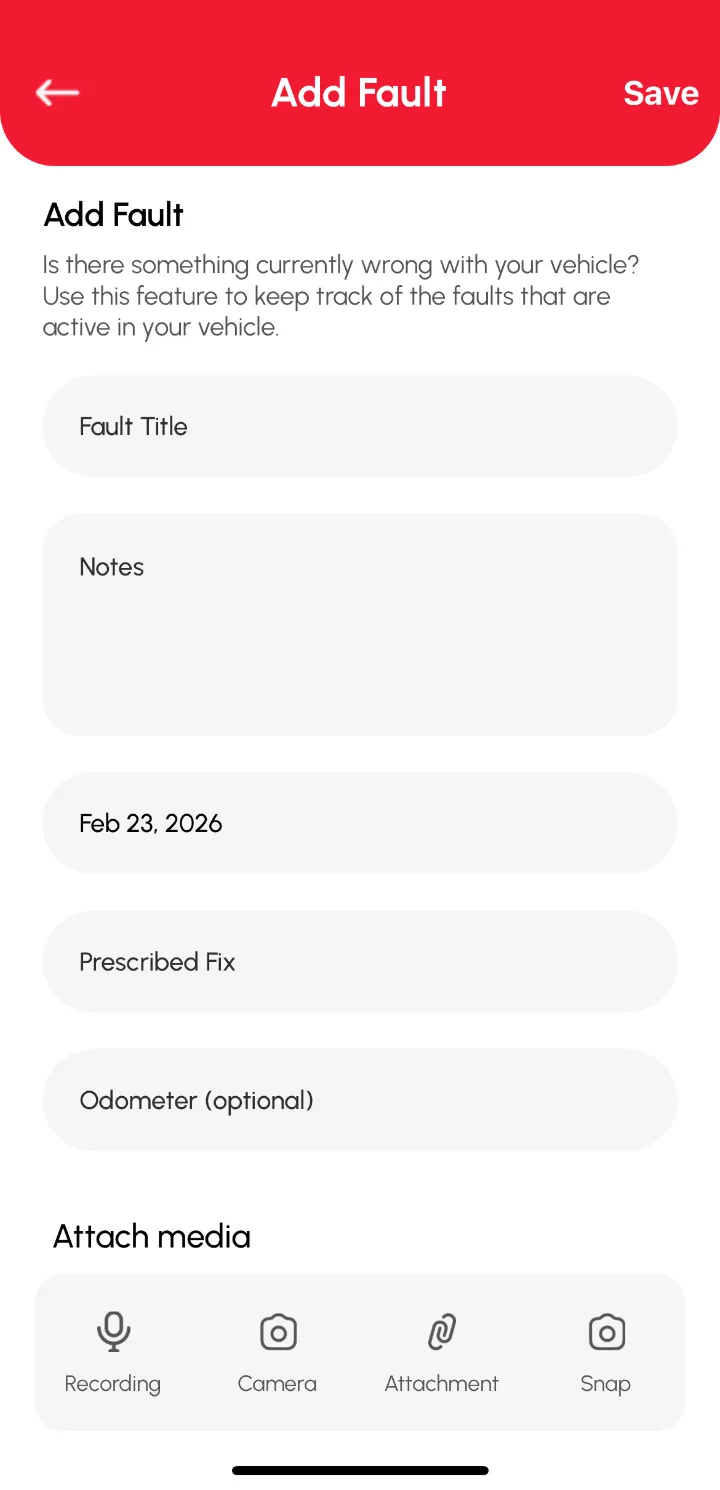
Illustration: if the engine light comes on, plugging a scan tool into the OBD-II socket shows the stored code. Write that code in the fault you add, with the date, so it is on record.
How to track it in Loggy
Loggy does not connect to the OBD-II socket. Note any scan result in a fault or log entry so the code, the date and the fix stay together.
- Read the code with a scan tool.
- Add a fault in Loggy with the code in the title.
- Log the repair and clear the fault when it is fixed.
Loggy is a free maintenance logbook app for iOS and Android. The free plan has unlimited vehicles, reminders, PDF export and vehicle transfer, and no ads.


Frequently asked questions
Does Loggy plug into the OBD-II port?
No. Loggy is a logbook. You type in what the scan tool shows.
Does every car have OBD-II?
Modern cars and light vehicles generally do, but check your vehicle's manual. Older vehicles may not.
What does OBD-II stand for?
On-board diagnostics, second generation.