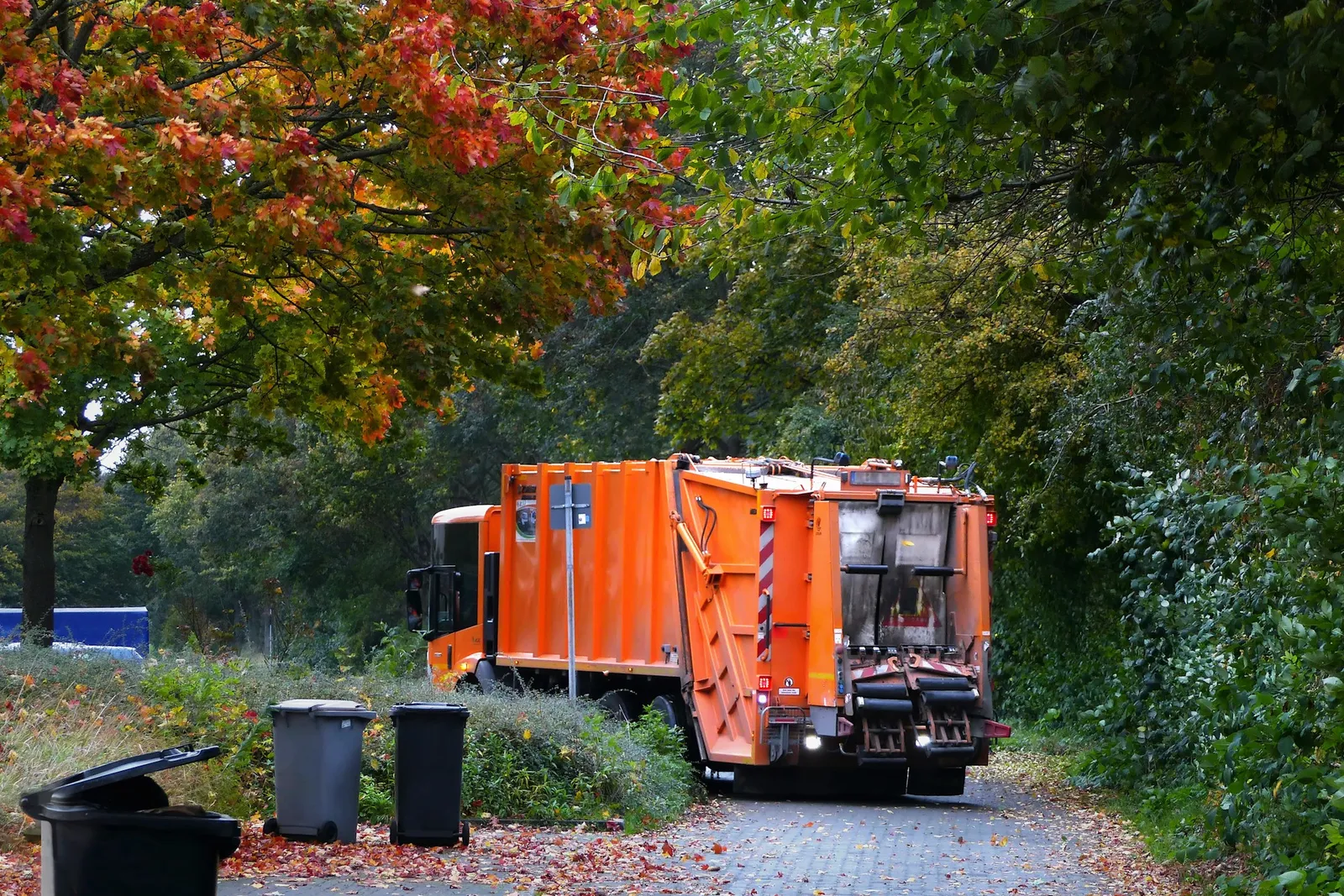
Heavy trucks work hard, and a breakdown stops the whole round. Loggy keeps every service, repair and fault for each truck, trailer and loader in one place, so small problems are caught early.
What waste and skip bin operators add to Loggy
- TrucksSkip trucks, hook-lift trucks, bin lorries
- TrailersBin trailers and tippers
- Loaders and machinesTracked by engine hours
- Utes and vansSupport vehicles
How waste and skip bin operators use Loggy
- Keep a separate service history for every truck.
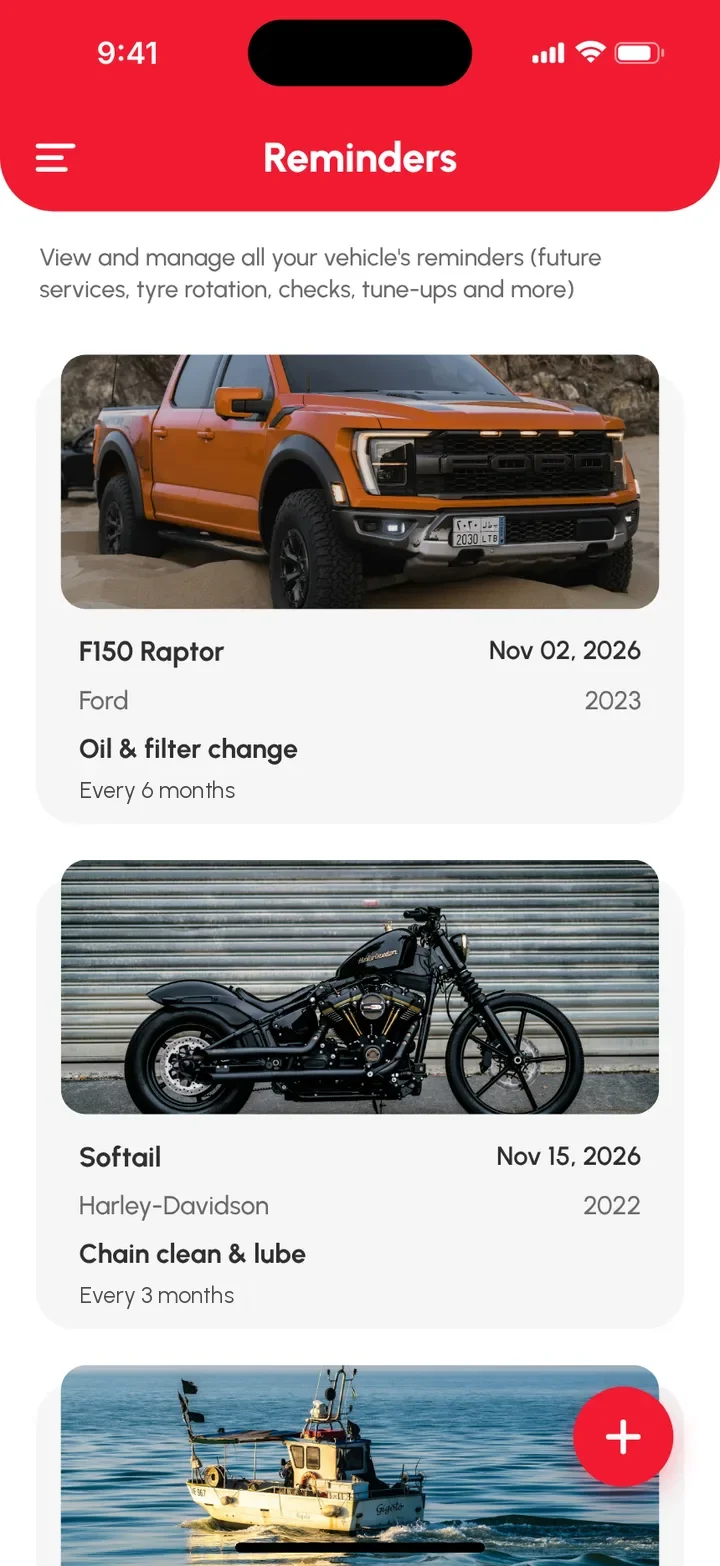
- Set date reminders for services, registration and insurance.
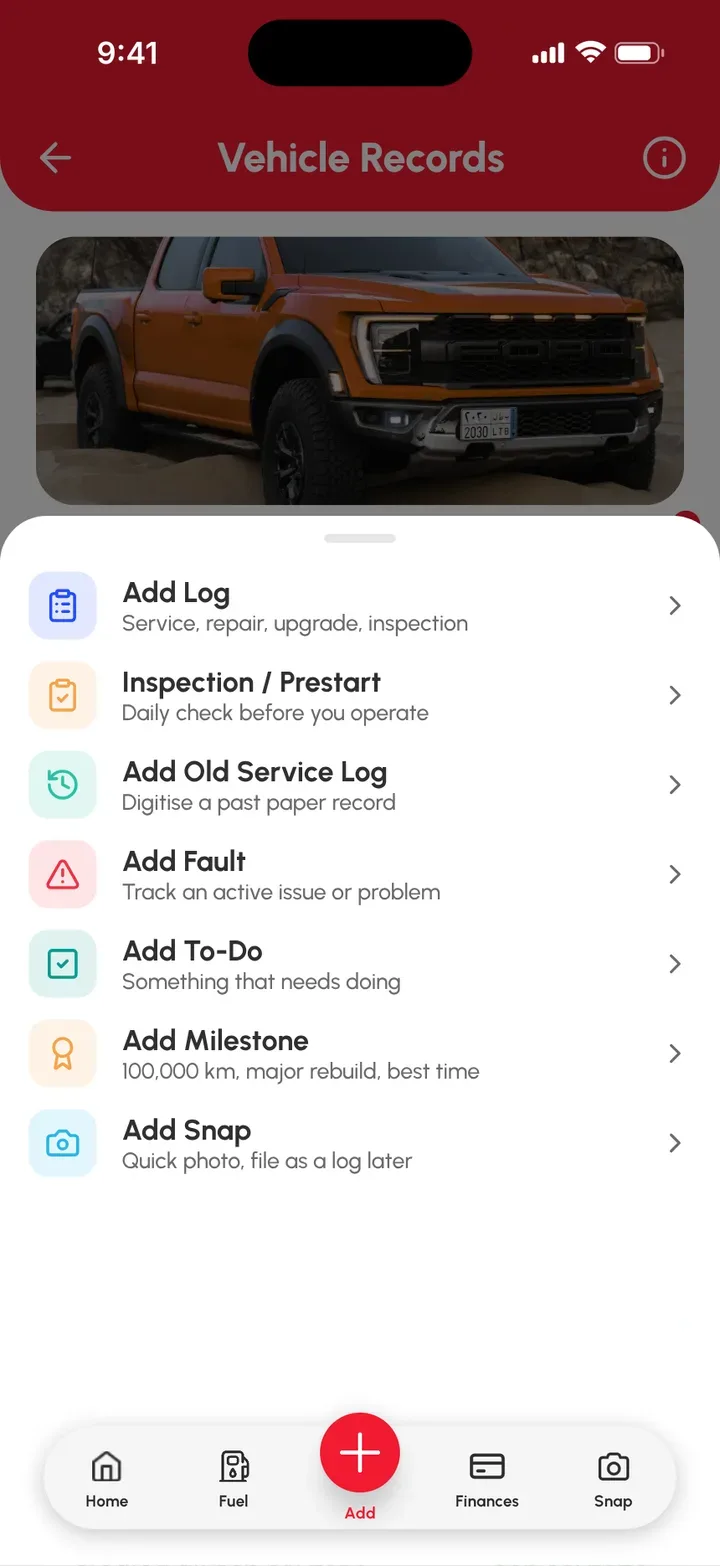
- Run a prestart check and log any fault straight away.
- Photograph repairs and receipts.
- Track loaders and machines by engine hours.
- Log fuel and see the totals in Fuel Reports.
- Share a truck with the drivers who use it (Loggy Pro).
What's free and what's Loggy Pro
Free
- Service logs. Date, reading, parts, cost, notes, photos and receipts on every job.
- Reminders. Services, registration and insurance. They repeat, so you set them once.
- Faults and to-dos. Problems stay visible until fixed, jobs stay listed until done.
- Unlimited vehicles. Every vehicle and machine, no per-vehicle fees.
- Km, miles or hours. Pick the unit for each one. Hours suit loaders.
- Inspections. Run a quick prestart check before the truck rolls out.
Added with Loggy Pro
- Shared vehicles. Invite drivers so they can add logs.
- Folders. Group vehicles by site, branch or job.
Loggy Pro adds the extras above for one subscription. The app shows your local price before you pay. What's in Loggy Pro
How to get started
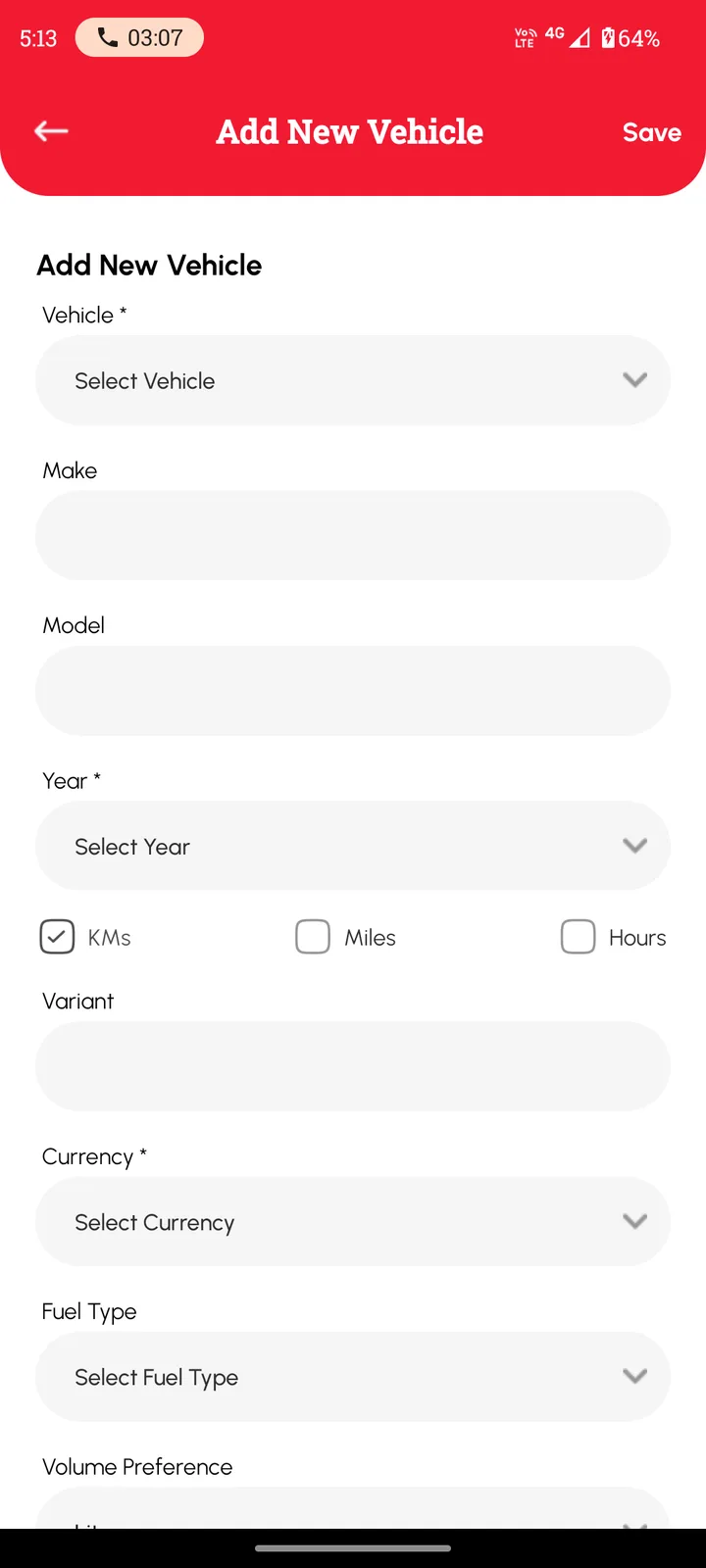
- Add each truck, trailer and loader. Pick km, miles or hours.
- Log the last service, with the reading and a photo of the receipt.
- Set reminders for services, registration and insurance.
- Run prestart checks and log faults and repairs as they happen.
Add the first truck free and build the fleet one vehicle at a time. Free on iOS and Android, no ads. 4.6★ on the App Store, used in 190+ countries.


Frequently asked questions
Can I keep each truck and trailer separate?
Yes. Add each as its own vehicle. Each one keeps its own service history, faults and reminders.
Can Loggy remind me when a service is due?
Yes. Set a date reminder for a service, registration or insurance and choose how often it repeats. Reminders are date-based.
Can I run a prestart check before a truck goes out?
Yes. Inspections let you run a quick check and a failed item goes straight onto the vehicle's fault list.
Can I track a loader by engine hours?
Yes. Choose Hours when you add it, and each service log records the hour reading.
Is Loggy full fleet management software?
No. Loggy is a maintenance logbook for small businesses and households. It keeps the service history, receipts, faults and reminders for each vehicle in one place.
Is there a limit on how many vehicles I can add?
No. Unlimited vehicles are free. Loggy Pro adds shared vehicles, folders, income tracking and downloadable reports.
Step-by-step guides
- Truck fleet maintenance app
- Prestart checklist for a small fleet
- Engine hours vs mileage
- Add your first vehicle
- Set a service reminder
Top photo: Jack Blueberry, Unsplash