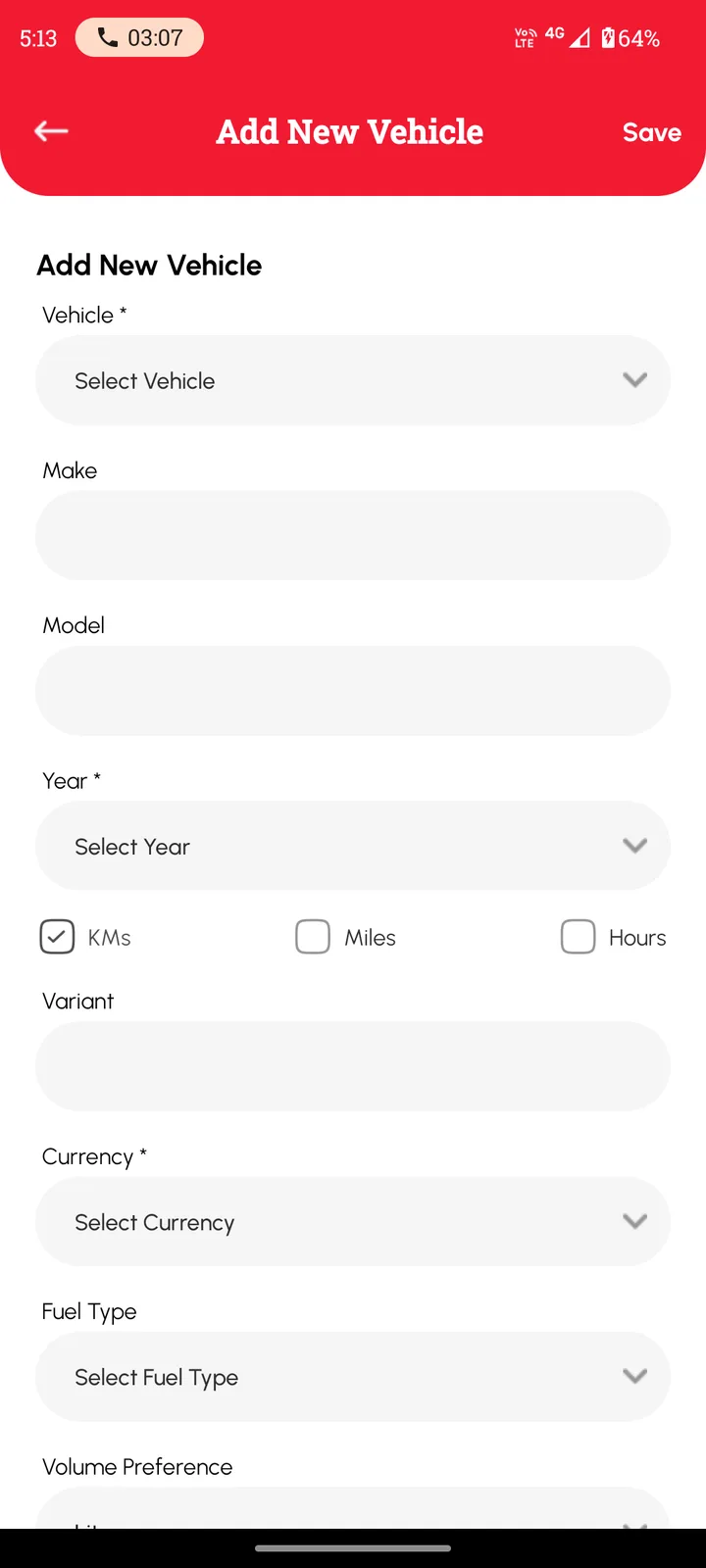
Not everything that needs servicing has wheels and a number plate. If it has a service history to keep, Loggy can hold it: add it as Other, choose km, miles or hours, and start logging.
What people with equipment add to Loggy
- Generators and pumpsStandby generators, irrigation and transfer pumps
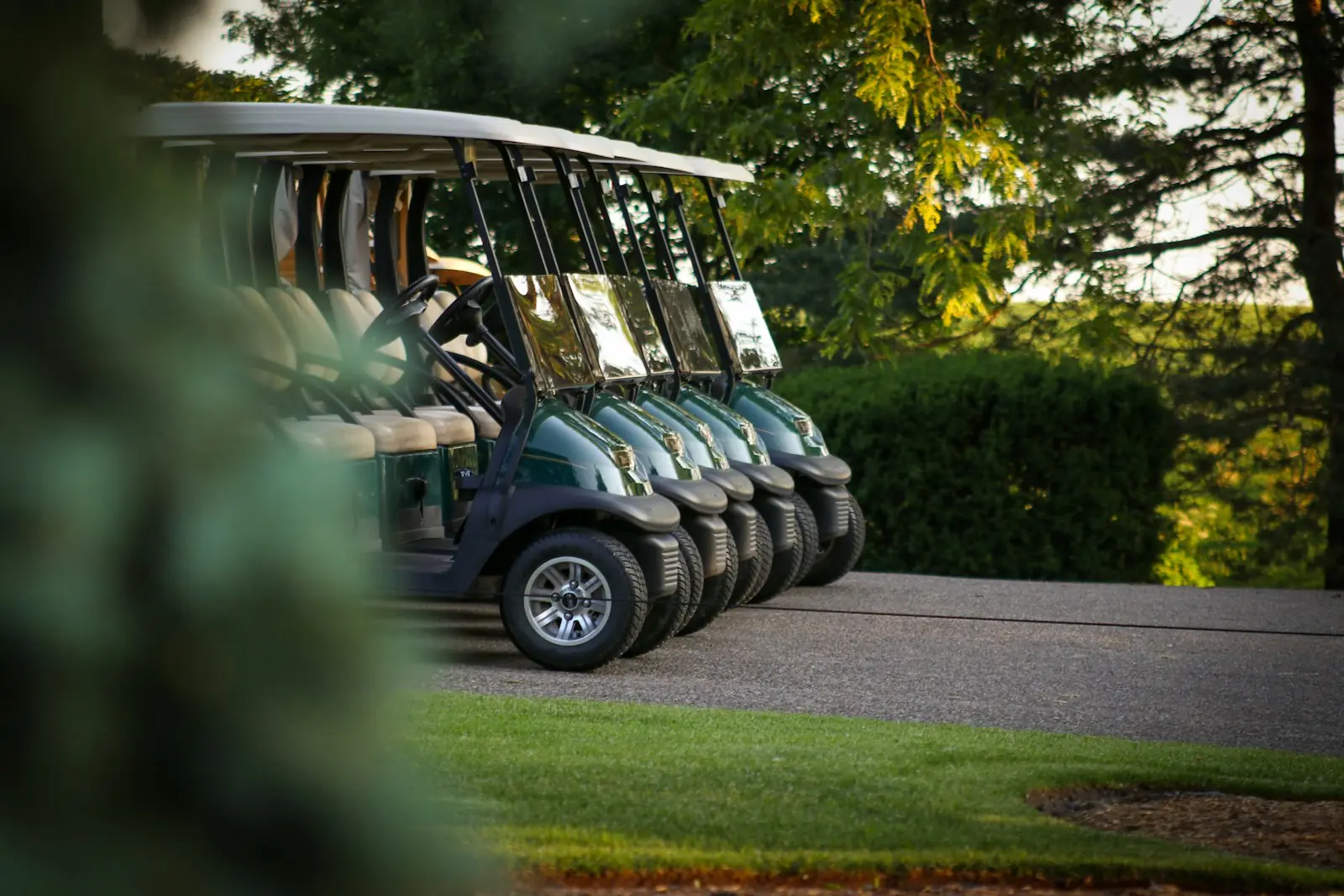
- Golf carts and dronesFleet carts, camera drones
- Forklifts and floor scrubbersWarehouse and cleaning equipment
- HVAC unitsAir-conditioning units and heaters
How people with equipment use Loggy
- Add anything that is not on the list as Other.
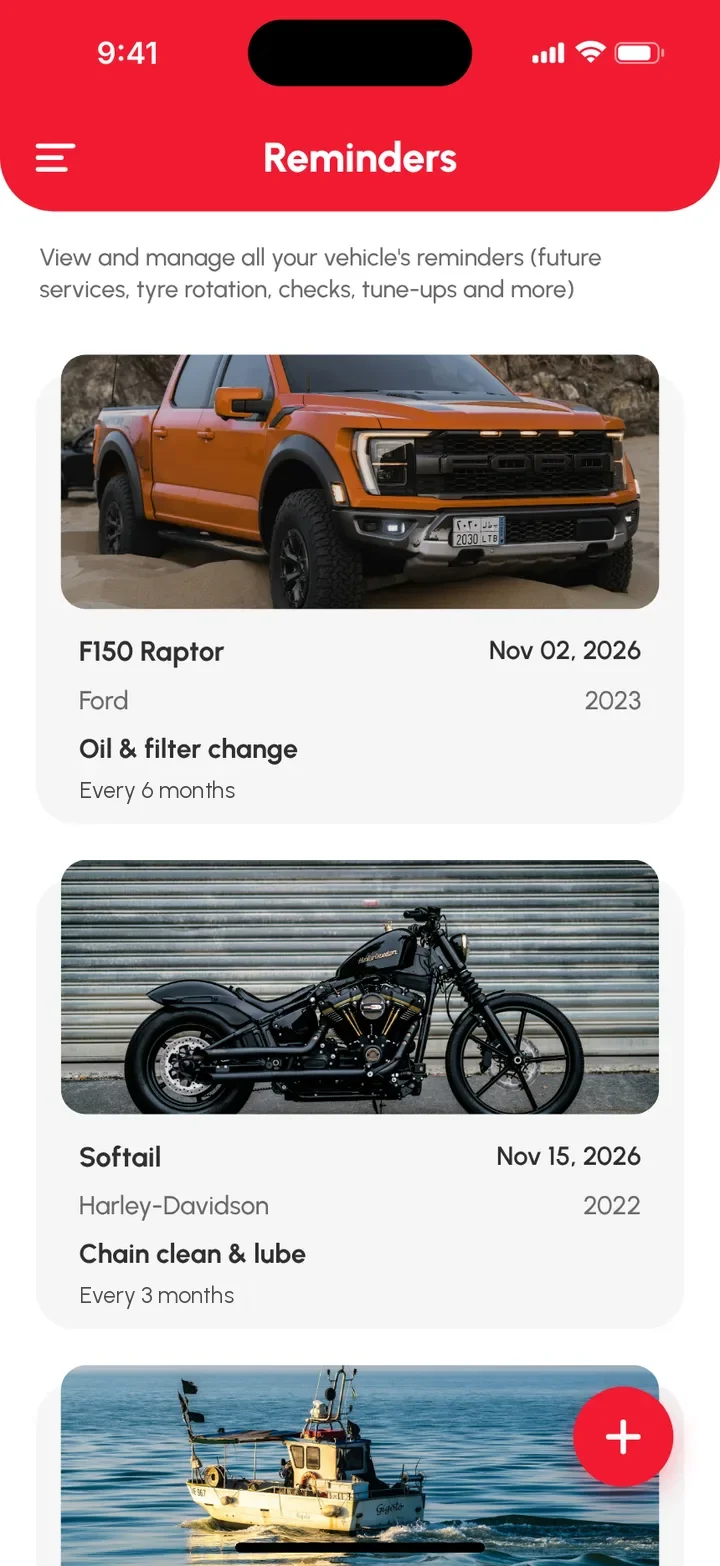
- Give it a service history, faults and reminders like any vehicle.
- Unlimited items on the free plan.
- Choose hours, km or miles for each item.
- Attach photos, receipts and manuals to each log.
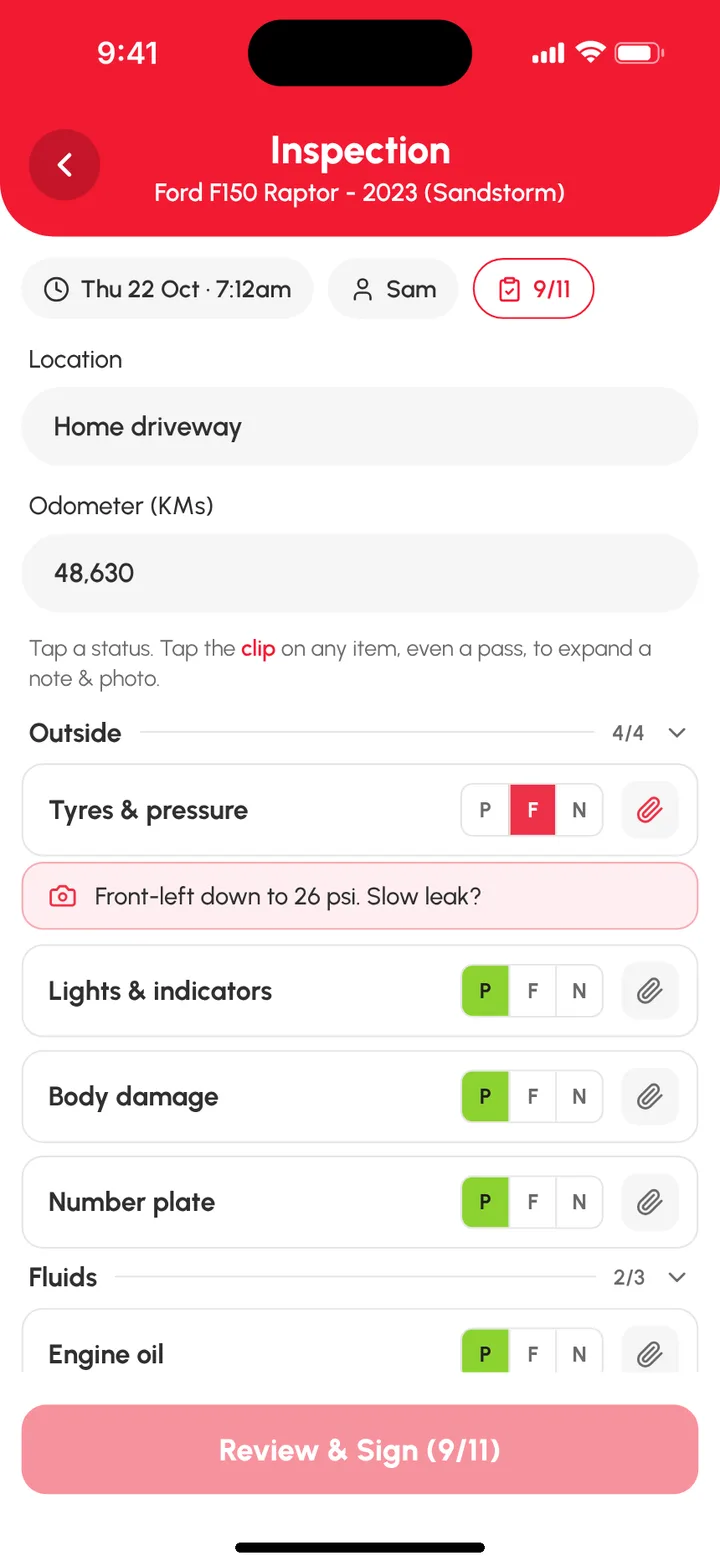
- Run a check on the item with your own inspection template.
What's free and what's Loggy Pro
Free
- Add anything as Other. Name it, pick km, miles or hours, and start the history.
- Service logs. Reading, parts, cost, notes, photos and receipts on every job.
- Faults and to-dos. Problems stay visible until fixed, jobs stay listed until done.
- Reminders. Filter changes, services, inspections. They repeat, so you set them once.
- Your own checklists. Create your own inspection for any item.
- Unlimited items. Everything you look after. No per-item fees.
Added with Loggy Pro
- Shared vehicles. Invite staff or colleagues so everyone can add logs.
- Folders and reports. Group by site or type, and export PDF or CSV reports.
Loggy Pro adds the extras above for one subscription. The app shows your local price before you pay. What's in Loggy Pro
How to get started
- Add the item as Other and give it a name.
- Pick hours, km or miles.
- Log the last service and set a reminder for the next one.
- Add faults and photos as they come up.
Maintenance schedules
Manufacturer service intervals for equipment: all schedules.
Add your first item free. Pick Other and name it. Free on iOS and Android, no ads. 4.6★ on the App Store, used in 190+ countries.

Frequently asked questions
Can I track equipment that is not a vehicle?
Yes. Add it as Other and give it a name. It gets the same service history, faults, reminders and PDF history as any vehicle.
Can I track something by hours?
Yes. Choose Hours when you add it, and each log records the hour reading.
Can I set reminders for filter changes or services?
Yes. Set a date reminder and choose how often it repeats. Reminders are date-based.
Can I make my own checklist?
Yes. Choose Create your own when you start an inspection and build it for the item.
Is there a limit on how many items I can add?
No. Unlimited vehicles and items are free. Loggy Pro adds shared vehicles, folders, income tracking and downloadable reports.
Step-by-step guides
- Fleet maintenance app
- Equipment service intervals: how to find yours
- Engine hours vs mileage: which to track
- Inspections and checklists
- Add your first vehicle
Top photo: Unsplash