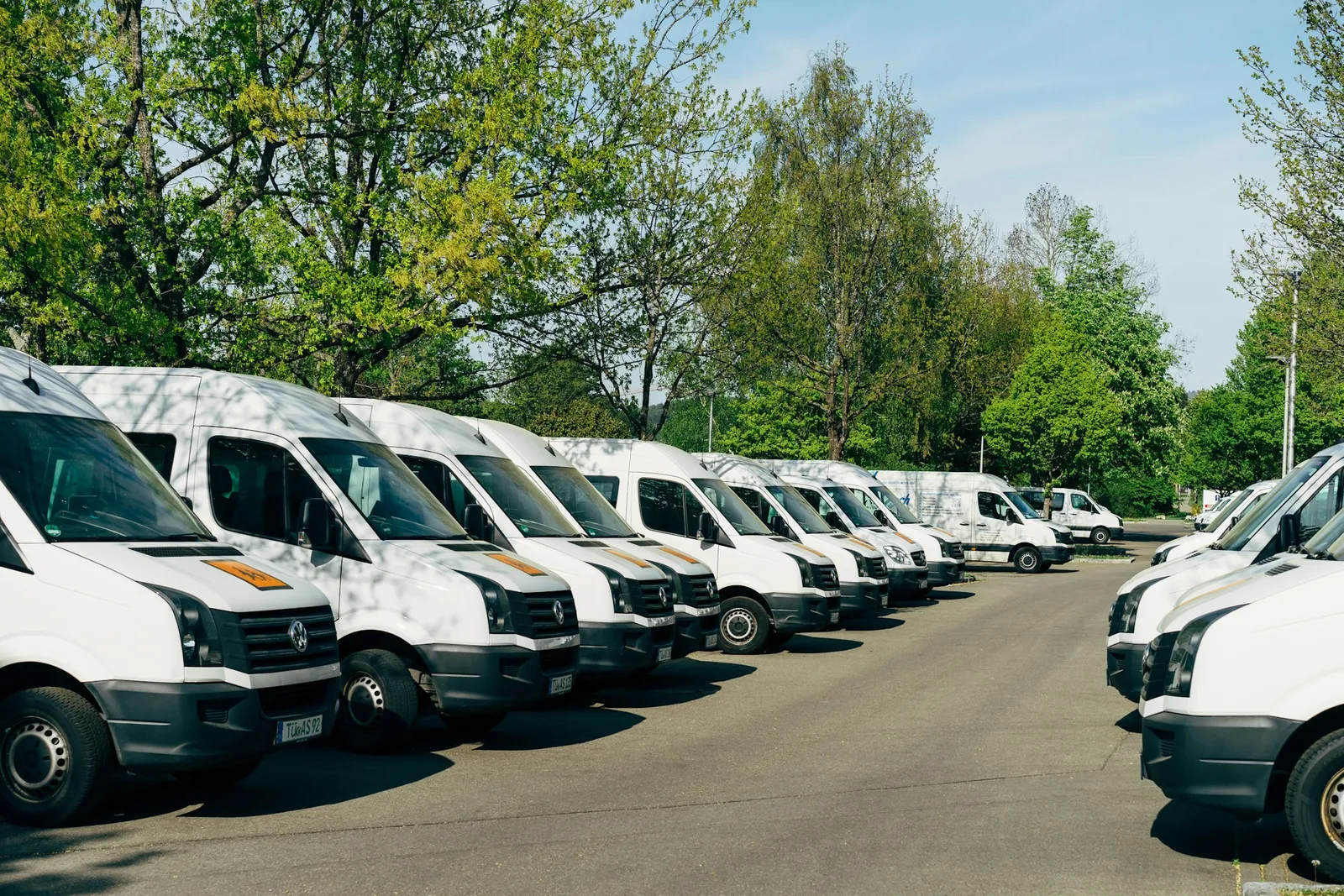
A hire vehicle that is off the road earns nothing. Loggy keeps each one's services, repairs and faults in one place, so you know what has been done and what is due before it goes out again.
What hire and rental businesses add to Loggy
- Vans, utes and carsHire vans, moving vans, people movers
- TrailersBox, car and plant trailers
- MachinesTools and equipment with engine hours
- Caravans and campersHire campervans and caravans
How hire and rental businesses use Loggy
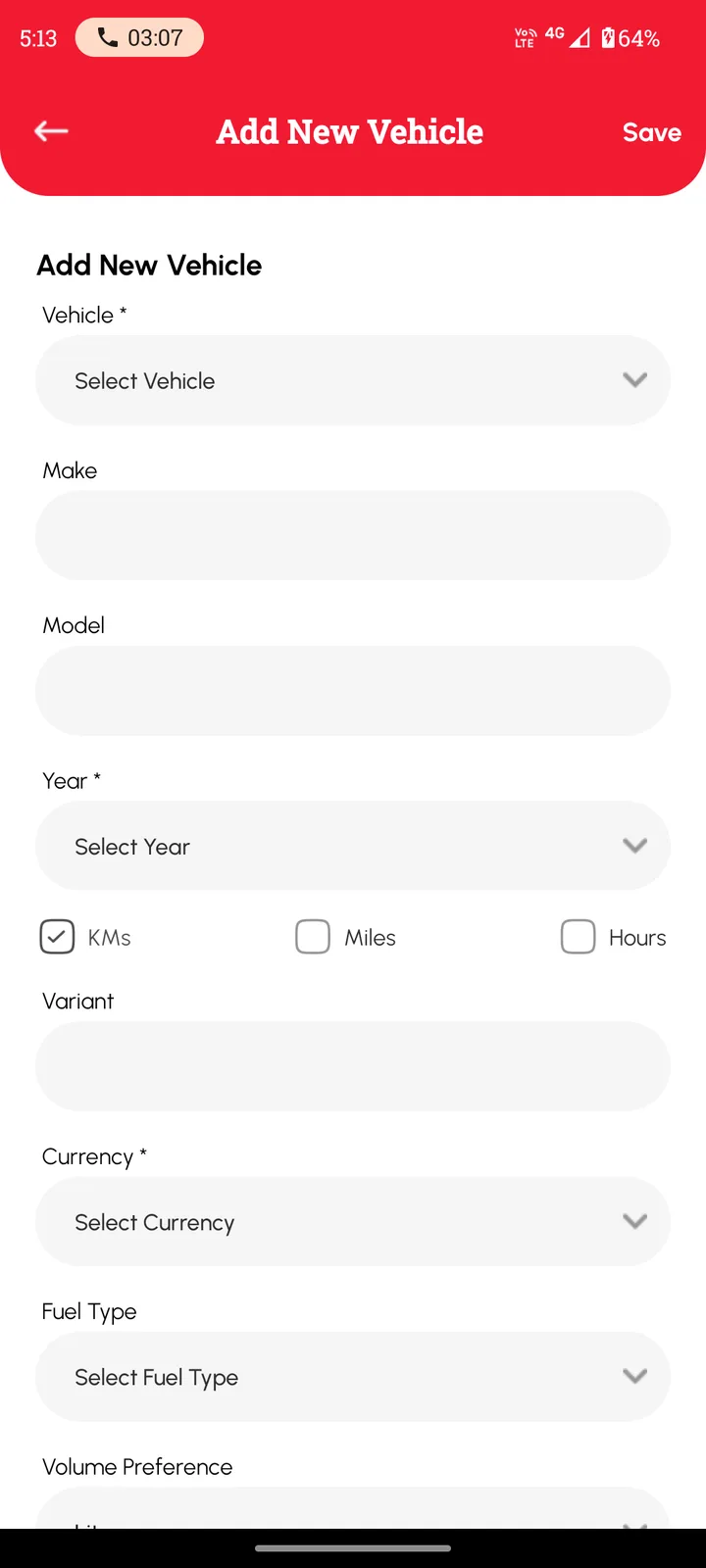
- Keep a separate service history for every hire vehicle.
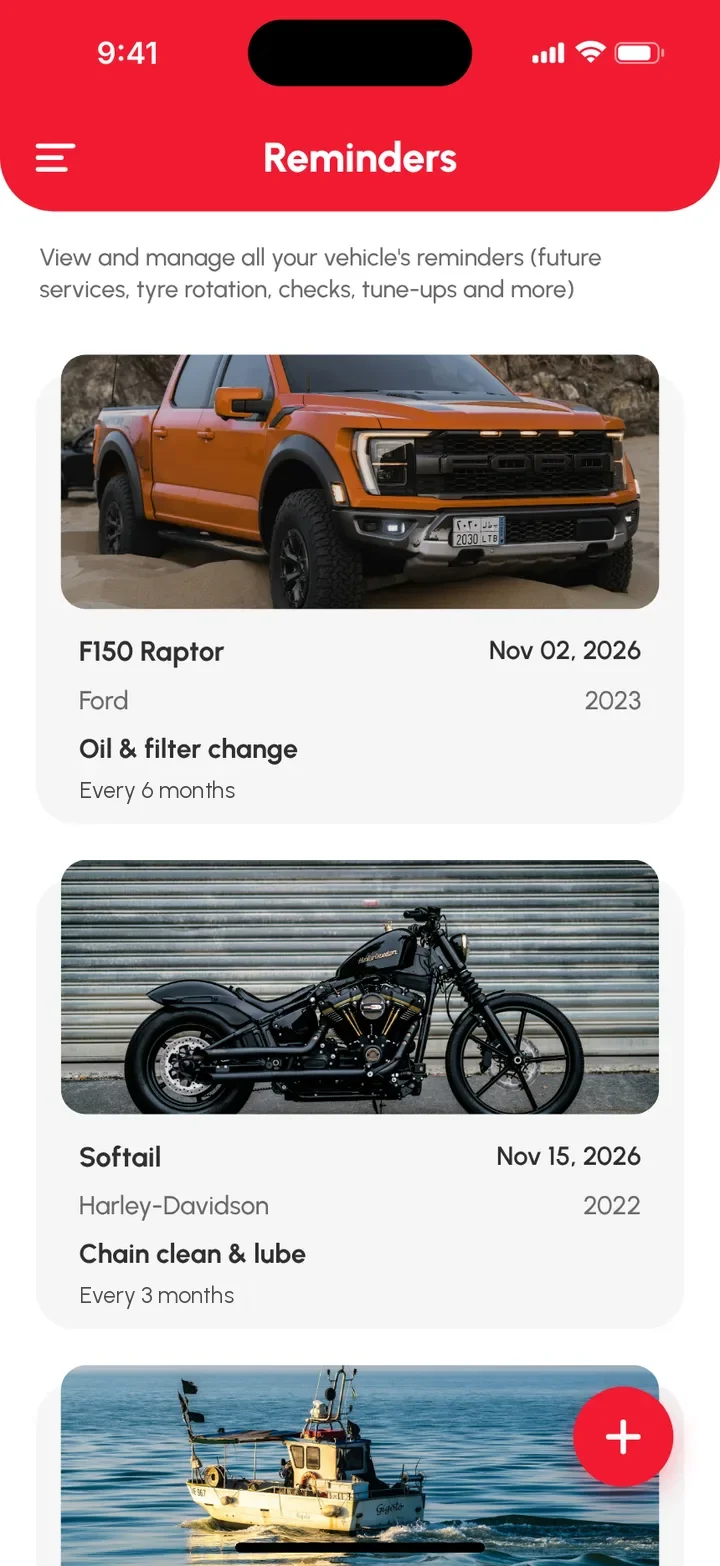
- Set date reminders for services and registration.
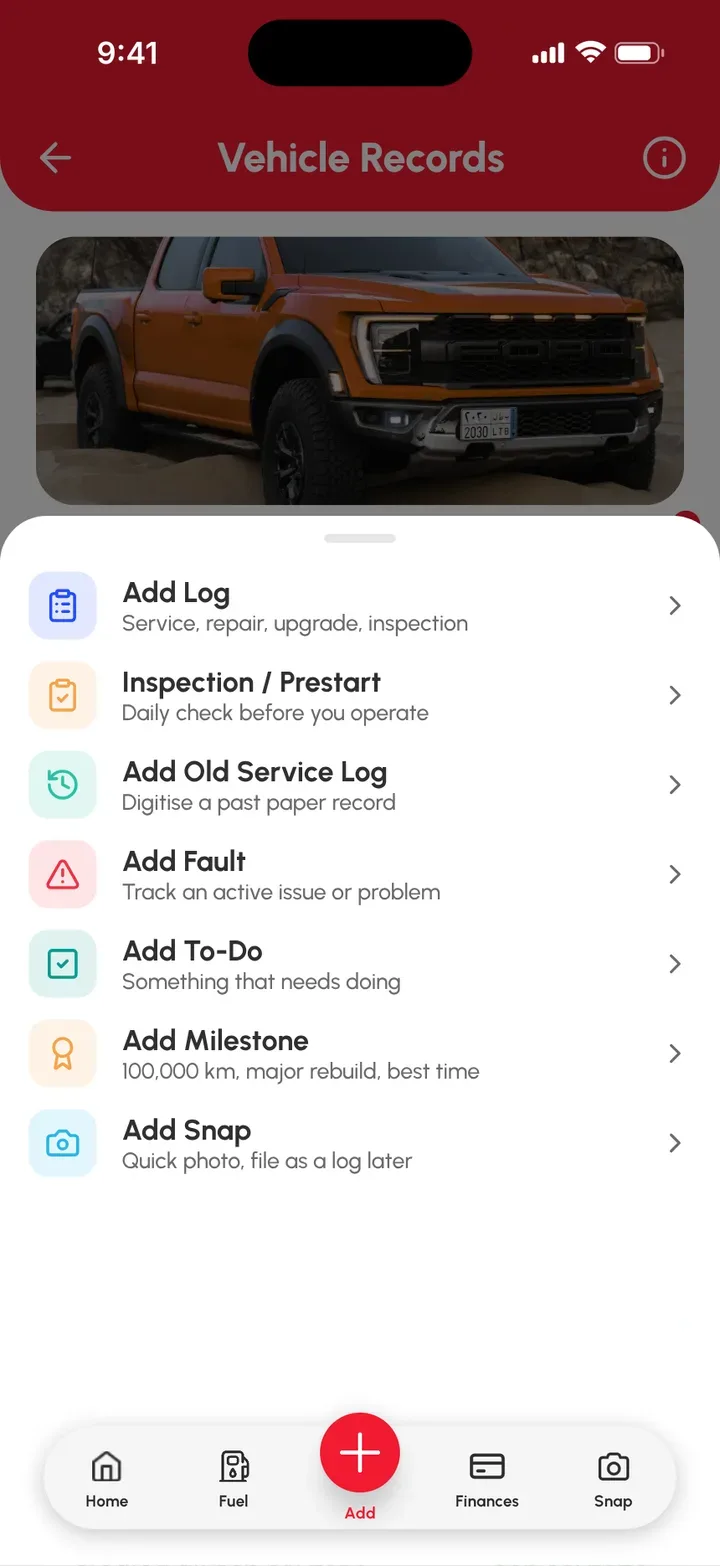
- Note a fault the moment a customer reports it.
- Photograph repairs and receipts.
- Track repair costs vehicle by vehicle.
- Track machines by engine hours.
- Share a vehicle with staff so everyone logs to it (Loggy Pro).
What's free and what's Loggy Pro
Free
- Service logs. Date, reading, parts, cost, notes, photos and receipts on every job.
- Reminders. Services, registration and insurance. They repeat, so you set them once.
- Faults and to-dos. Problems stay visible until fixed, jobs stay listed until done.
- Unlimited vehicles. Every vehicle and machine, no per-vehicle fees.
- Km, miles or hours. Pick the unit for each one. Hours suit machines.
- Inspections. Run a quick check on a vehicle when it comes back.
Added with Loggy Pro
- Shared vehicles. Invite staff so the whole team adds logs.
- Folders. Group vehicles by site, branch or job.
Loggy Pro adds the extras above for one subscription. The app shows your local price before you pay. What's in Loggy Pro
How to get started
- Add each hire vehicle. Pick km, miles or hours.
- Log the last service, with the reading and a photo of the receipt.
- Set reminders for services and registration.
- Log faults and repairs as they happen.
Add the first hire vehicle free and build the fleet from there. Free on iOS and Android, no ads. 4.6★ on the App Store, used in 190+ countries.


Frequently asked questions
Can I keep a separate history for each hire vehicle?
Yes. Add each as its own vehicle. Each one keeps its own service history, faults and reminders.
Can Loggy remind me when a service is due?
Yes. Set a date reminder for a service, registration or insurance and choose how often it repeats. Reminders are date-based.
Can my staff add logs?
Yes, with Loggy Pro you can share a vehicle so staff can add logs too.
Can I track equipment by hours?
Yes. Choose Hours when you add it, and each service log records the hour reading.
Is Loggy full fleet management software?
No. Loggy is a maintenance logbook for small businesses and households. It keeps the service history, receipts, faults and reminders for each vehicle in one place.
Is there a limit on how many vehicles I can add?
No. Unlimited vehicles are free. Loggy Pro adds shared vehicles, folders, income tracking and downloadable reports.
Step-by-step guides
- Equipment maintenance log app
- Vehicle inspections
- Track faults
- Add your first vehicle
- Set a service reminder
Top photo: Markus Winkler, Unsplash