
A car that works all day wears out faster, and every repair eats into your earnings. Loggy keeps the service history, the receipts and the costs together, so you know where the money goes.
What rideshare and taxi drivers add to Loggy
- Cars for hireRideshare cars, taxis, private hire
- Hybrids and EVsPick the fuel type when you add the car
- A second carThe spare or the family car
- Running costsFuel, parts, labour, registration, parking
How rideshare and taxi drivers use Loggy
- Keep the full service history of the car in one place.
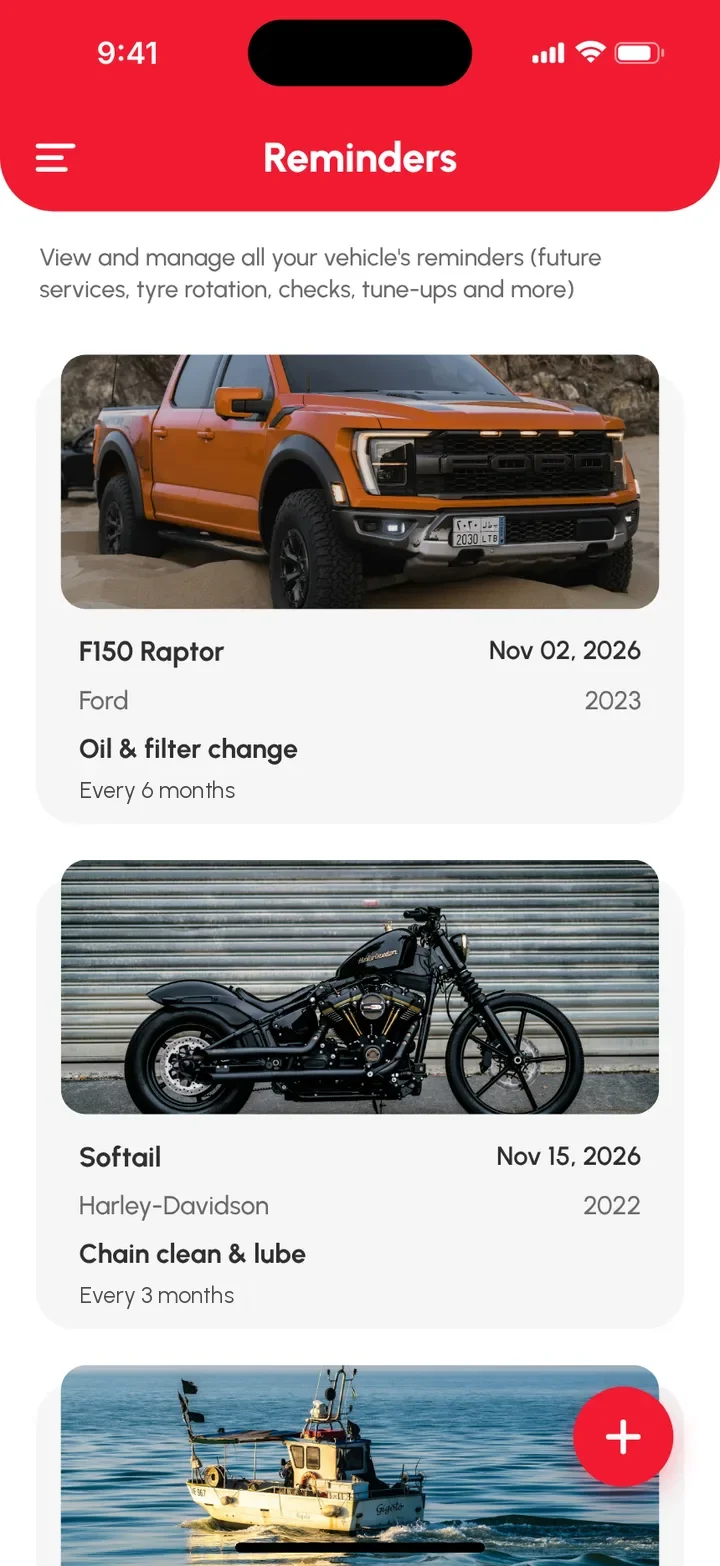
- Set date reminders for services, registration and insurance.
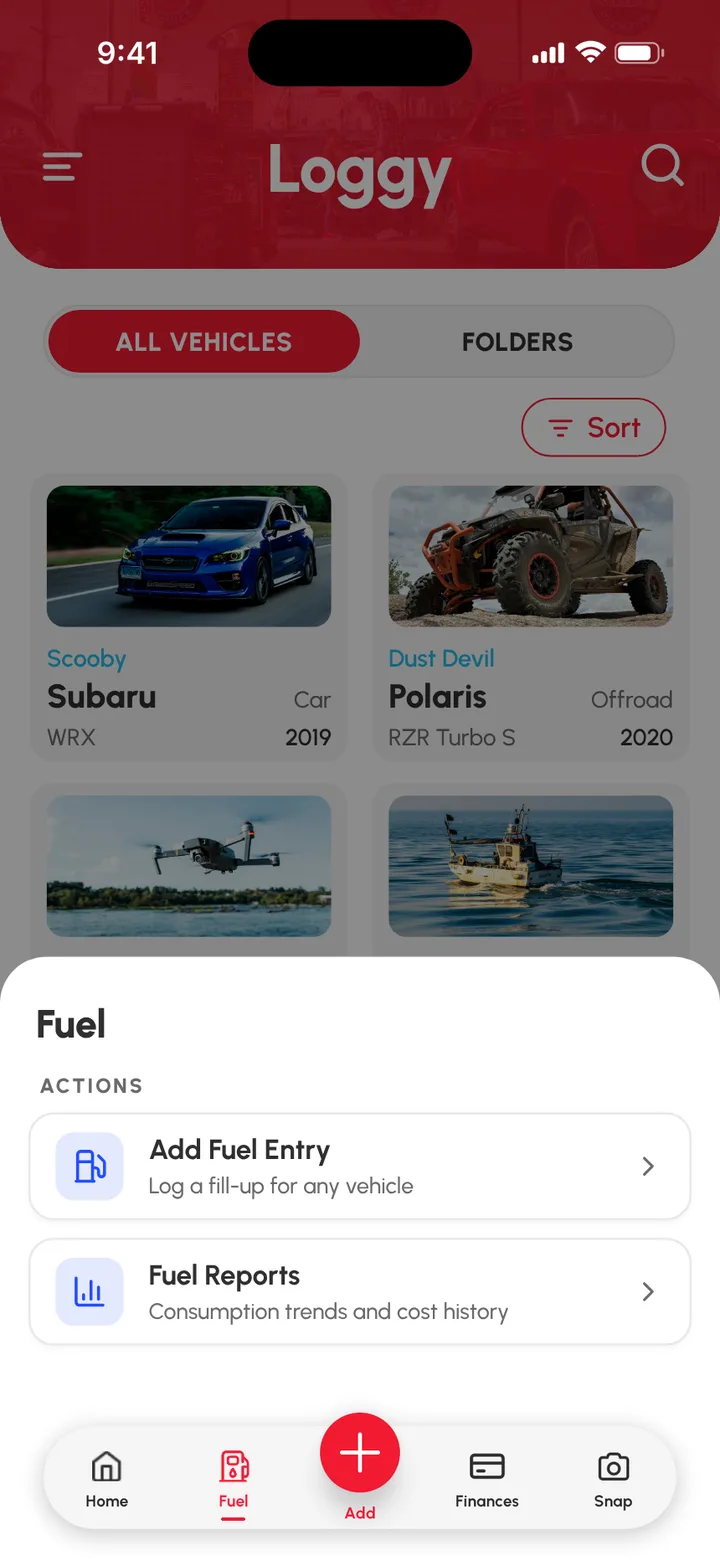
- Log fuel and charging and see the totals in Fuel Reports.
- Record repairs and parts, with a photo of each receipt.
- Keep a fault list so small problems get fixed early.
- Record what the car earns with Income Reports (Loggy Pro).
- Show a buyer the full history when you sell the car.
What's free and what's Loggy Pro
Free
- Service logs. Date, reading, parts, cost, notes, photos and receipts on every job.
- Reminders. Services, registration and insurance. They repeat, so you set them once.
- Fuel logs and reports. Log fills as you go and see the charts in Fuel Reports.
- Expenses. Parts, labour, registration and parking, tracked on the free plan.
- Faults and to-dos. Problems stay visible until fixed, jobs stay listed until done.
- Unlimited vehicles. The working car and the spare, no per-vehicle fees.
Added with Loggy Pro
- Income Reports. Record what the car earns, with monthly and yearly totals.
- Downloadable reports. Export the history as a report to show a buyer.
Loggy Pro adds the extras above for one subscription. The app shows your local price before you pay. What's in Loggy Pro
How to get started
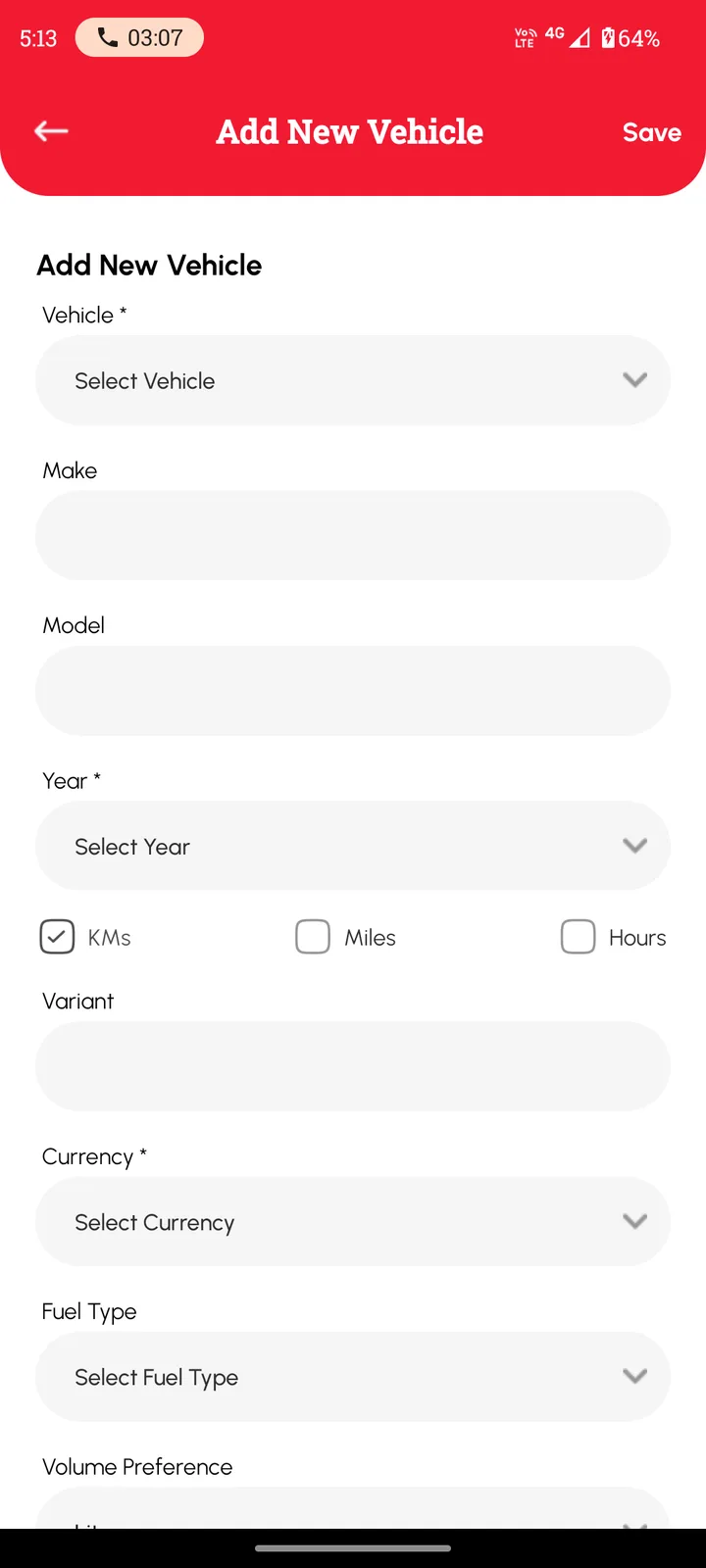
- Add the car. Pick km or miles.
- Log the last service, with the reading and a photo of the receipt.
- Set reminders for services, registration and insurance.
- Log fuel and repairs as they happen.
Add the car free and start the log today. Free on iOS and Android, no ads. 4.6★ on the App Store, used in 190+ countries.


Frequently asked questions
Can I track what the car earns?
Yes, with Loggy Pro. Income Reports let you record what each vehicle earns, for example from rideshare or transport work, with monthly and yearly totals.
Can I track fuel and running costs?
Yes. Log fuel and see the charts in Fuel Reports. Expenses such as parts, labour, registration and parking are tracked on the free plan.
Does it work for a hybrid or an electric car?
Yes. Choose the fuel type when you add the car.
Can Loggy remind me about services?
Yes. Set a date reminder for a service, registration or insurance and choose how often it repeats. Reminders are date-based.
Is there a limit on how many vehicles I can add?
No. Unlimited vehicles are free. Loggy Pro adds shared vehicles, folders, income tracking and downloadable reports.
Step-by-step guides
- Fuel, expense and income reports
- Selling a car with service history
- Export a PDF report
- Add your first vehicle
- Set a service reminder
Top photo: Maxime Doré, Unsplash